#sc-news

Damage States & Component Health

How Components Take Damage
Components can be damaged through various weapon fire penetrating hull/shields, collision impacts with other objects or terrain, Overheating when operating beyond thermal limits, and fire damage.

Health Percentage System
Each component has a health value from 0% to 100% which will degrade performance of the component the closer to 0% it becomes.
Keeping components repaired is essential to full ship performance.
Component health thresholds will quickly hinder your ship and keeping components repaired is essential to keep full ship performance.

  • 100 and 75% health the components will be at full performance
  • 75-50% health, minor performance degradation
  • 50-25% health, significant performance reduction
  • 25-10% health, Severely reduced performance
  • 10-1% Near failure performance
  • 0% Critically destroyed and non functional. Where power plants will go into critical state and thermal runaway

Hull Section Damage
Hull sections have their own health pools
Known Issues: Once hull sections turn red, they stop registering hit markers. Must damage entire ship to critical before destruction. This creates confusion about whether attacks are landing

Distortion Damage on Components
Distortion damage is a core damage type/behavior. Does not cause any physical damage or harm directly. Distortion shuts down powered entities. Components hit by Distortion-type weaponry, the Power Surge malfunction, etc. fill a Distortion pool, which decays over time. Distortion triggers if the pool fills completely, and disappears if the pool decays below a Recovery Ratio. Current behavior: Component shuts off

The Wear System

Understanding Damage vs. Wear
The Engineering system distinguishes between two types of degradation: Damage and Wear

Damage: Caused by combat, collisions, fires, and direct actions against the component. These can be repaired and restored to a pre-damage state using multi-tools and materials
Wear: Accumulated through normal use over time and will gradually degrade maximum component performance. Wear damage cannot be repaired through multi-tool use which means over time, the only way to restore functionality will be to replace the worn out component. Operating time, high-stress operations (combat, high power usage), and environmental exposure will all effect component wear.

Critical Wear System Issues: Cannot repair wear at any location (only damage). Forces component replacement loop without supporting systems.Fire & Hazard Management

Repair System

Along with the engineering screens, the primary tools an engineer will use is the multi-tools and repair attachments. Using Repair Material Composite (RMC), the player will be able to directly see the health and status of components, weapons, hulls, relays, and more.

An engineer can see component damage either by looking on the engineering screen or in person by aiming their repair tool at the component.

By aiming your repair tool at the damaged item such as a component or ship hull and holding the trigger the player will apply a repair beam that will take time based on component size. This could take quite a bit of time but multiple players working multiple repair tools together can combine their power to speed the process up.

There are however some current repair limitations:

  • Jump Drives: Currently cannot be repaired (known bug)
  • Unknown Parts: Some components appear on screen but cannot be located physically

Component Replacement

Replacement will become necessary when the component has been fully destroyed (0% health) or the component wear is too high for effective operation. This also applies to fuses or general upgrades you want to make with higher quality parts. Replacement components must match the exact slot size.

The replacement process for physicalized components is pretty straight forward:

  • Physicalized Ships Removal: Access the component bay/location, interact with the component, and select the “Remove” option. The component will then go to local inventory or drop as physical item.
  • Physicalized Ships Install: Access the component slot, have replacement component in inventory, interact with empty slot, select component to install
  • For Non-Physicalized Ships: Use Vehicle Loadout Manager at stations as these cannot be physically interacted with

Fire System Overview

Heat is now a crucial element for pilots and engineers to monitor. As components operate, they generate heat and raise their temperature, creating a constant balancing act between cooling systems and maintaining performance. Coolant must be directed appropriately to keep components within safe operating limits while still supporting the needs of the ship.

The longer a component runs at high temperatures, the faster it will accumulate wear, reducing efficiency and increasing the chance of failure. If a component overheats beyond safe thresholds, it will trigger a thermal shutdown and stop functioning until it cools down.

Letting components run too hot also increases the risk of fire, one of the most dangerous situations a ship can face. Fires can start due to overheating, malfunctions, or direct damage. Engineers must respond quickly using fire extinguishers or by venting a room to remove oxygen and suppress flames.

Staying on top of heat management is essential to keeping your ship safe and operational.

Fire Behavior
Accidents happen and sometimes staying on top of the heat management is not possible with your engineer “non-operational” at the time and now your ship has caught fire.

Fires can occur when components take damage and overheat, fuel lines are breached, electrical systems short circuit, or external weapons ignite flammable materials. These fires will need to be contained or risk spread throughout the ship as it moves from room to room, damaging and destroying your hard earned loot, components, nested vehicles, and crew.

Fires throughout your ship will also generate realistic smoke, significantly reducing visibility. Life support systems will gradually scrub the atmosphere in a room to remove smoke once the fire is contained.

The engineering screen and ship will provide visual and audio alerts when fire is detected. Visual indicators on room map along with location-based fire warnings.

Fire Suppression
There are multiple ways to help stop the spread of fire and remove it. Using the supply of fire extinguishers around the ship might be your first choice. These FPS items will allow your crew to hit the fire directly at the source. These extinguishers have a limited resource stored inside them and will need to be recharged by placing back onto their rack in the ship when not in use.

TLDR:

Star Citizen Alpha 4.5 Engineering System
 ITS A HOT ONE.

Engineering is the latest major new gameplay system coming with Alpha Patch 4.5 that fundamentally changes how spaceship maintenance and combat work. Instead of being a tedious chore, it’s designed to extend the lifetime of your ships during missions.

Core Mechanics

Preparation Phase:

  • Buy fuses and repair components (RMC canisters) before missions
  • Larger ships can store extra components onboard for mid-flight repairs

Active Repair:

  • Damage components during combat or travel
  • Use repair guns to restore component health from 0% to 100%
  • Scales with crew size—bigger ships need more hands on deck

Fire Management:

  • Fires can occur from weapons hits, component overheating, or wear-and-tear
  • Use fire extinguishers (on every ship) to suppress fires
  • Vent atmosphere by daisy-chaining door openings to exterior

Component & Relay Changes:

  • Relays no longer completely disable ships when shot—they just reduce available power
  • Fuses still matter; broken fuses limit power output but don’t lock doors
  • Encourages reactive gameplay without punishing players too harshly

Key Shift in Design Philosophy

CIG has intentionally moved away from punishing “make your life miserable” mechanics. They claim engineering now rewards proactive ship maintenance while allowing recovery from damage, rather than creating one-shot failure states.

Release Status

  • ~80 ships fully implemented; ~30 ships partially converted
  • PTU testing underway now with intended December 2025 release
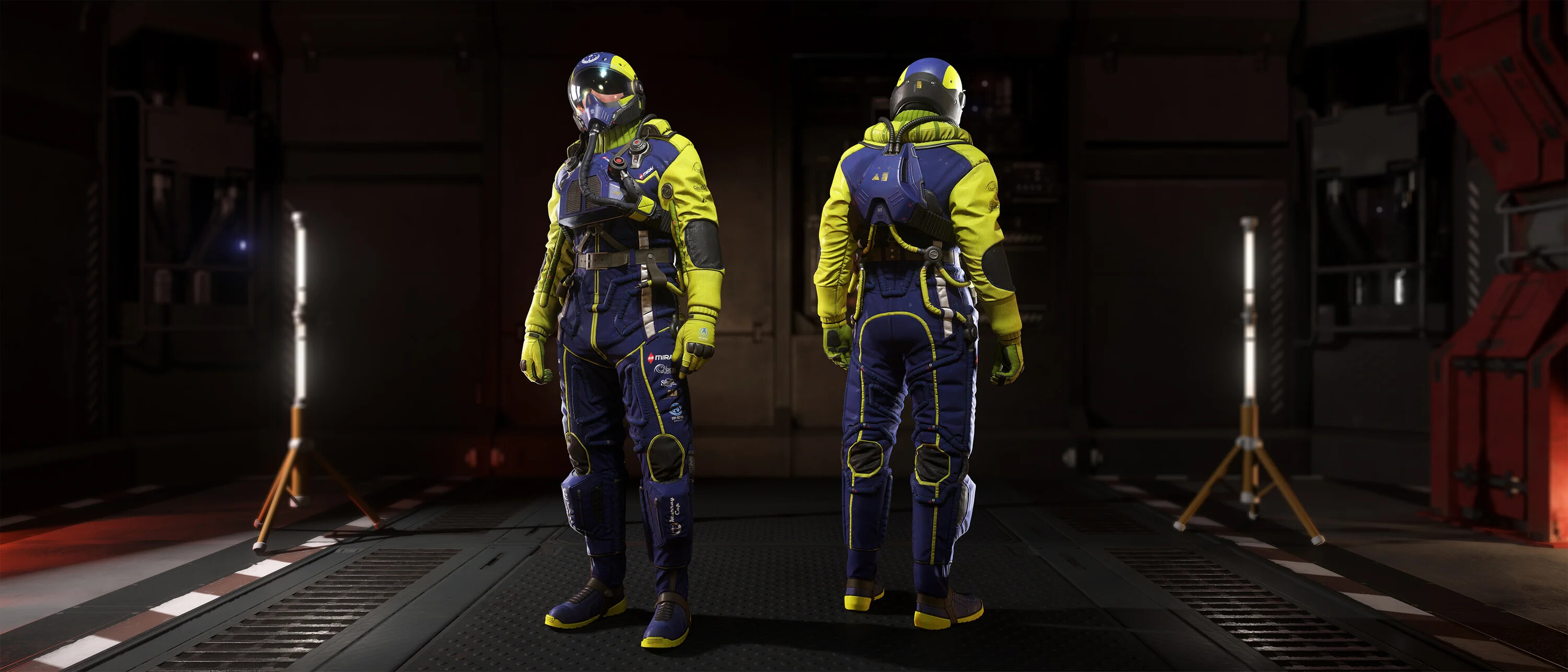
  • Armor system also being added to this release as a bonus
  • Developers emphasize this is not final—feedback during testing will drive further improvements

(In case watching videos hurts your soul like mine)

Minor updates to wear: it’s meant to be repairable at stations (more serious maintenance vs hand repairs)

Source is the engi doc which is receiving some updates

MISC Expanse cargo capacity has been changed back to 64SCU.

-# Schrödinger’s Cargo fr fr

Sneak peek of the week:

**Luminalia Teaser **

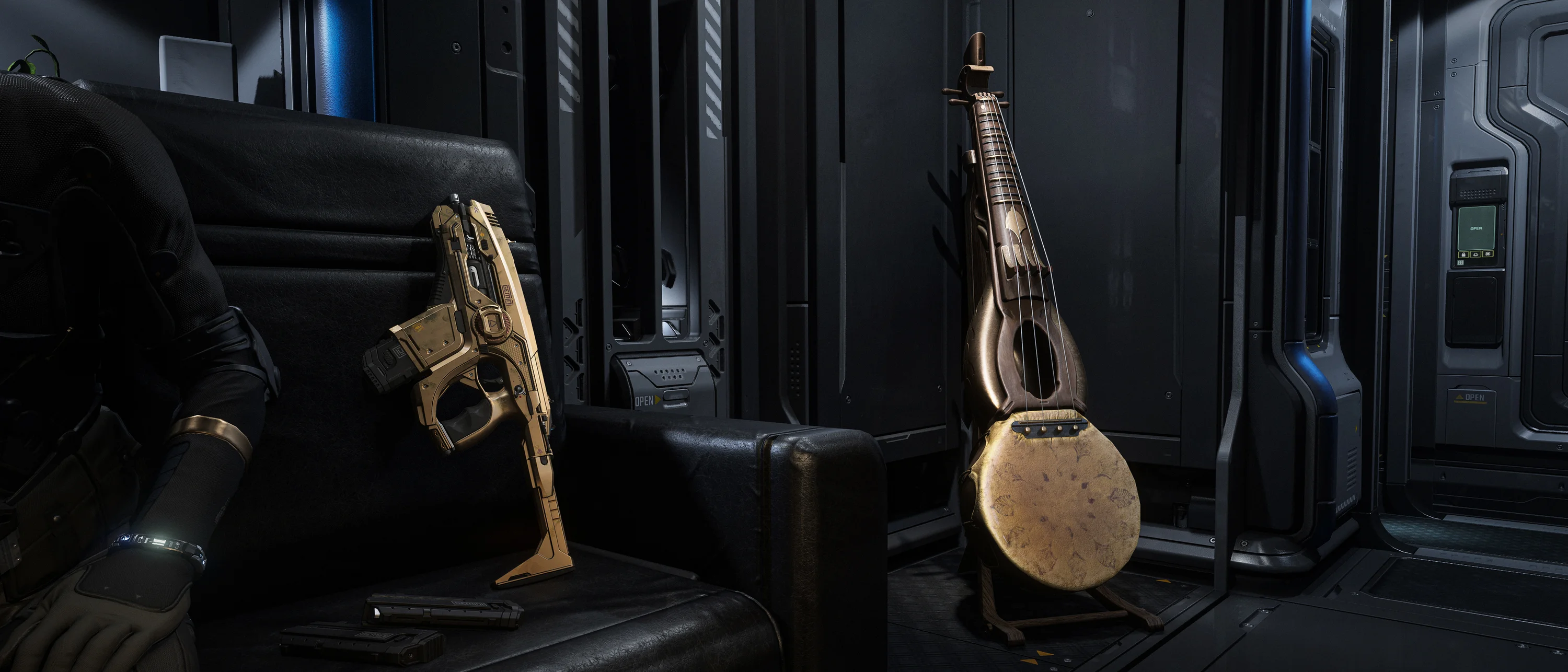
Quote: A surprise awaits under the tree.

This Week in Star Citizen:

WEDNESDAY, DECEMBER 10, 2025

  • Luminalia 2955 commences!

FRIDAY, DECEMBER 12, 2025

  • RSI Weekly Newsletter