#sc-news

Sneak peek of the week:

**Levski Mines **

Quote: Just keep digging.

you can buy previous BIS Paints now

Grey Market:

IAE 2955 BIS Paints

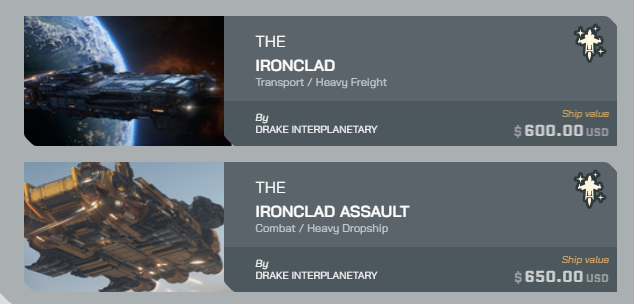
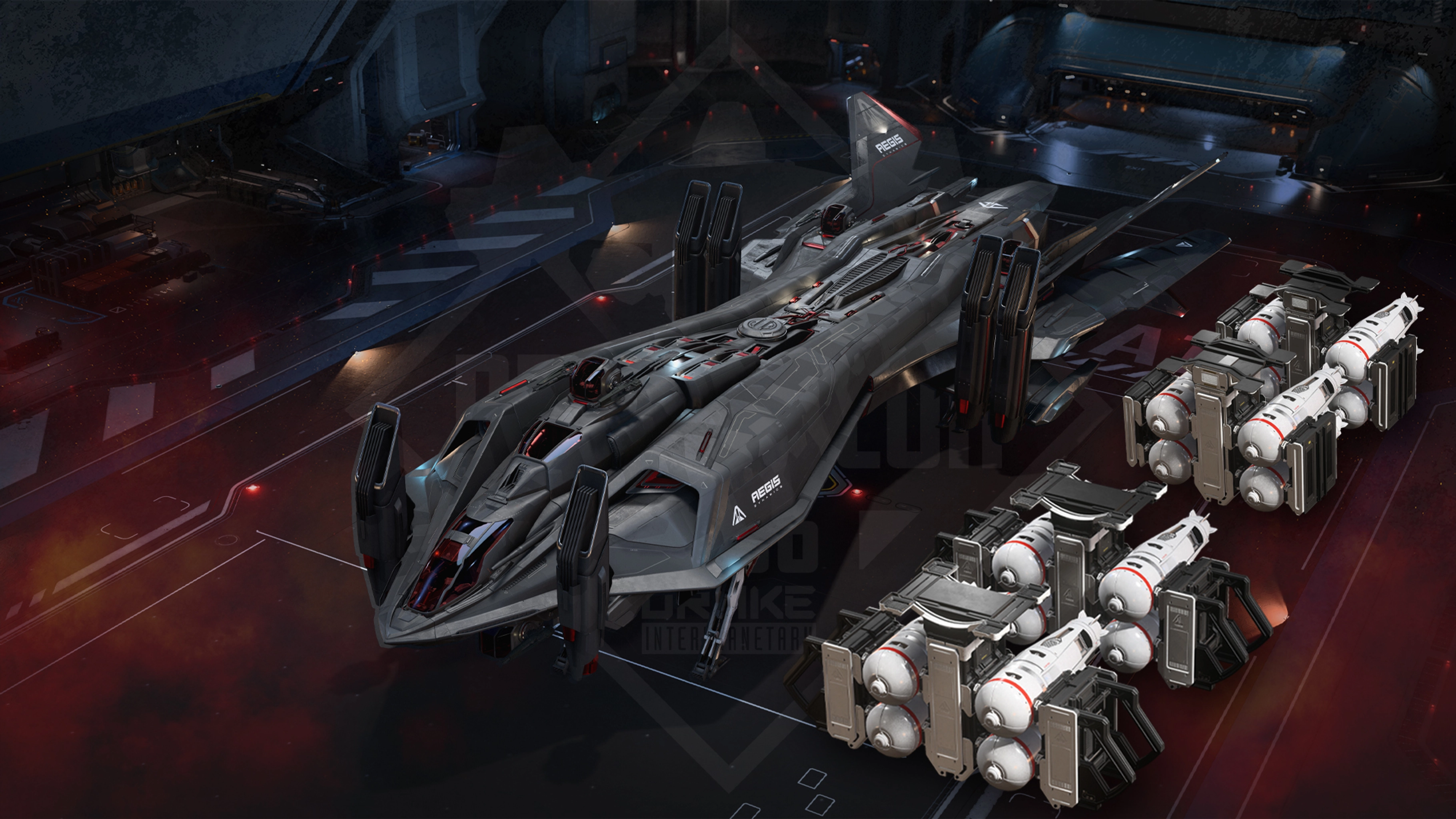
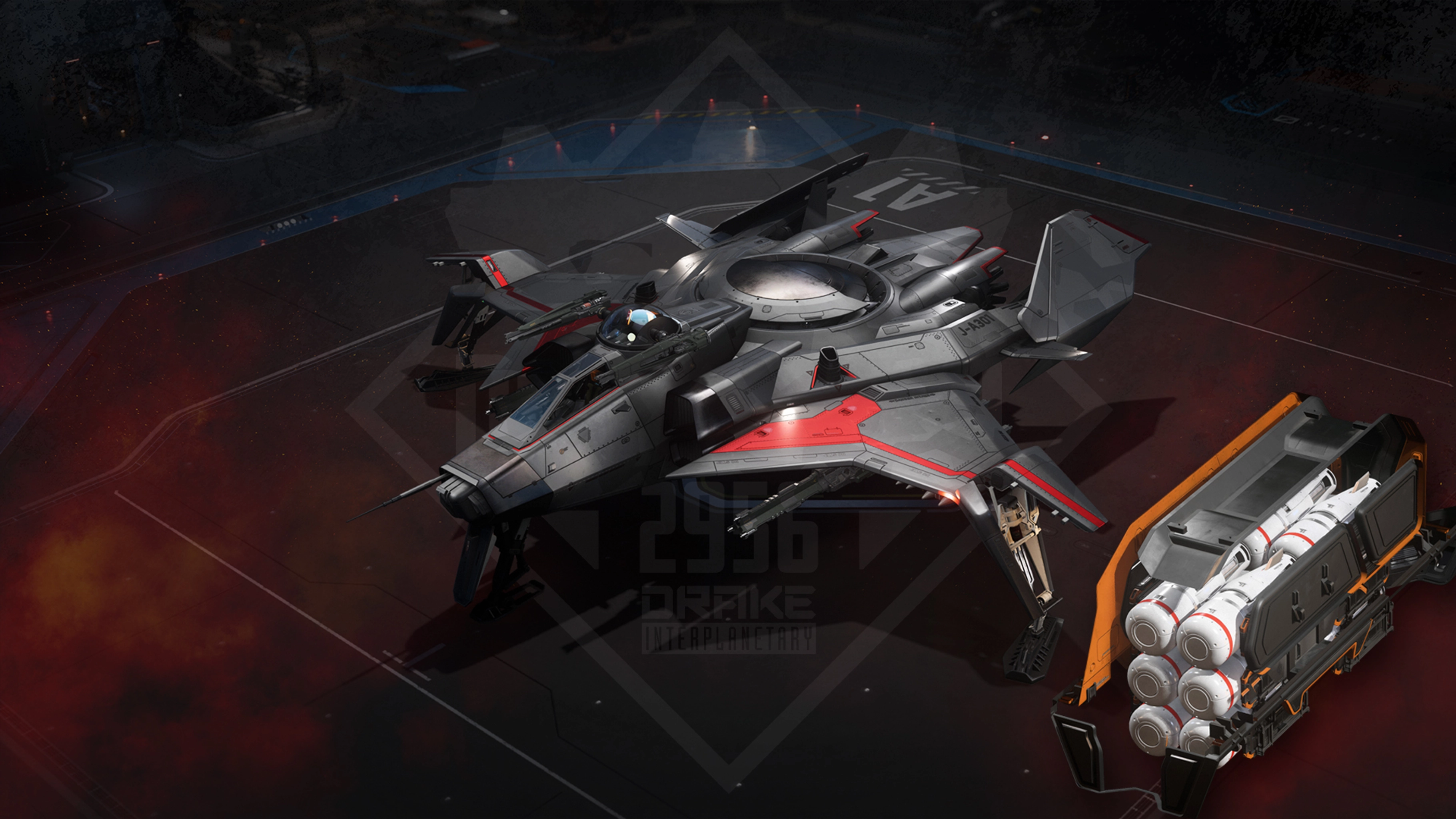
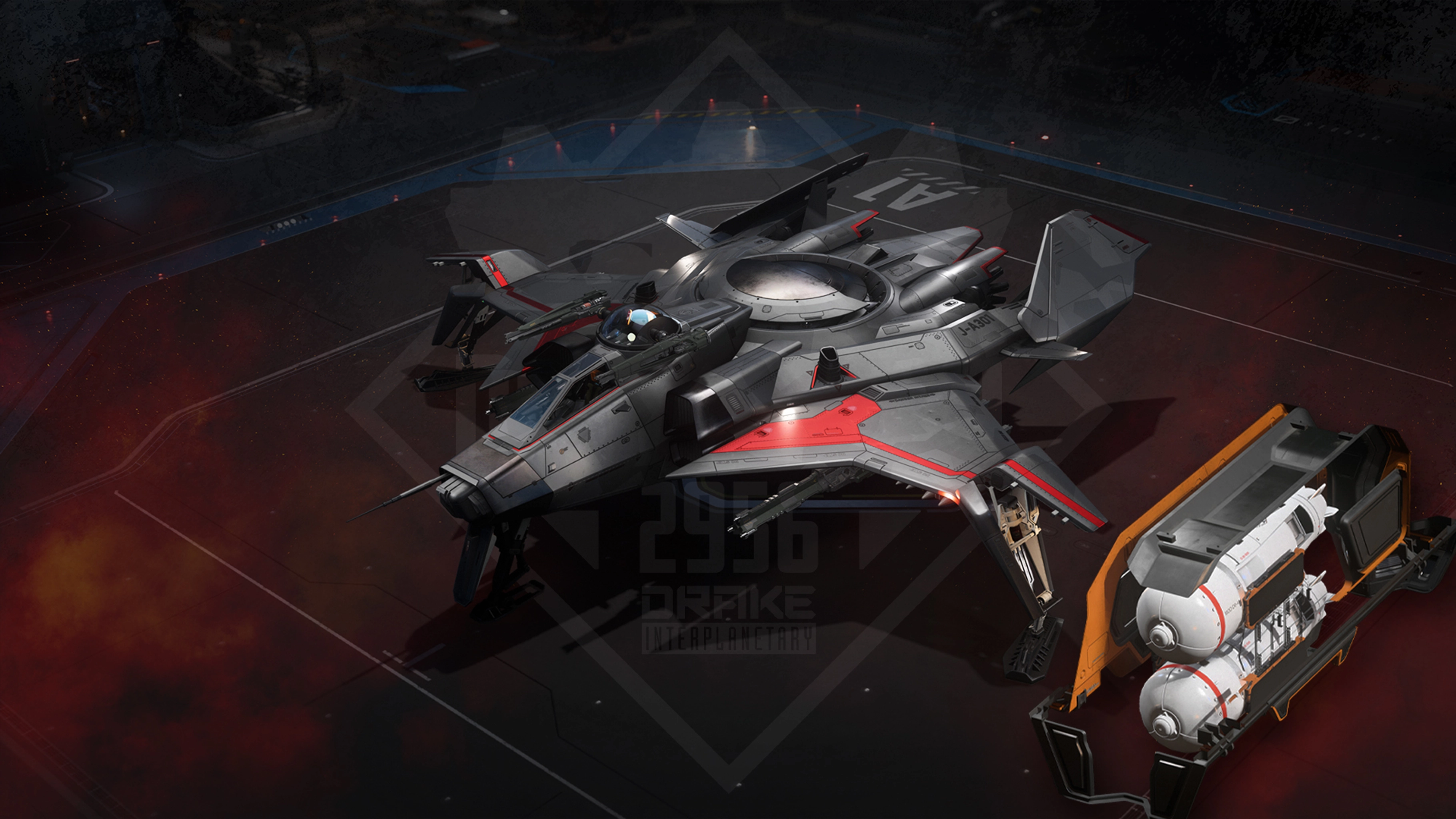
Stock limited ships and patch bundles from the year are returning

This Week in Star Citizen:

MONDAY, DECEMBER 1, 2025

  • IAE 2955 Day 12: Finale Day 2

TUESDAY, DECEMBER 2, 2025

  • December Subscriber Comm-Link
  • December Subscriber Newsletter
  • IAE 2955 Day 13: Finale Day 3

WEDNESDAY, DECEMBER 3, 2025

  • Roadmap Update
  • Roadmap Roundup
  • IAE 2955 Day 14: Finale Day 4 (Event ends at 20:00 UTC)

THURSDAY, DECEMBER 4, 2025

  • Server Maintenance starting <t:1764853200>
  • Inside Star Citizen: 4.5 Engineering

FRIDAY, DECEMBER 5, 2025

  • RSI Weekly Newsletter

November 2025 was Star Citizen’s greatest funding month on record, beating the previous November 2023 by nearly $4M.

This is especially impressive considering that IAE 2023 ran from Nov 17 to 30 (so all IAE sales were captured in November), whereas IAE 2025 is running Nov 20 to Dec 3. There are more insane statistics as to how record-breaking this year has been, but let’s see where they finish up first.

December 2025 Subscriber Promotions

In-game flairs:

  • Centurion subs: CBD Malenky ‘Skullsplitter’ T-Shirt
  • Imperator subs: Shattered Blade Holographic Banner
  • Subscriber-Exclusive Store: Shattered Blade Collection
    -# These items will be delivered in an upcoming patch

Ships of the Month:

  • Centurion ship: Tumbril Nova
  • Imperator ships: Tumbril Nova + Anvil Asgard

Nicou regarding EAC errors on AMD and Vulkan SDK. Advice from CIG is to not use the SDK DLL and to roll back to 25.9.1 drivers for AMD.

If you need to force switch to D3D11, delete the Shaders folder in your USER folder in your install.

IAE concludes in 15 minutes

sc-testing-chat | Nicou-CIG: Roadmap Update tonight will reveal a new ship coming to the Exec Hangars

Roadmap Roundup - December 3, 2025

Release View

4.4.0

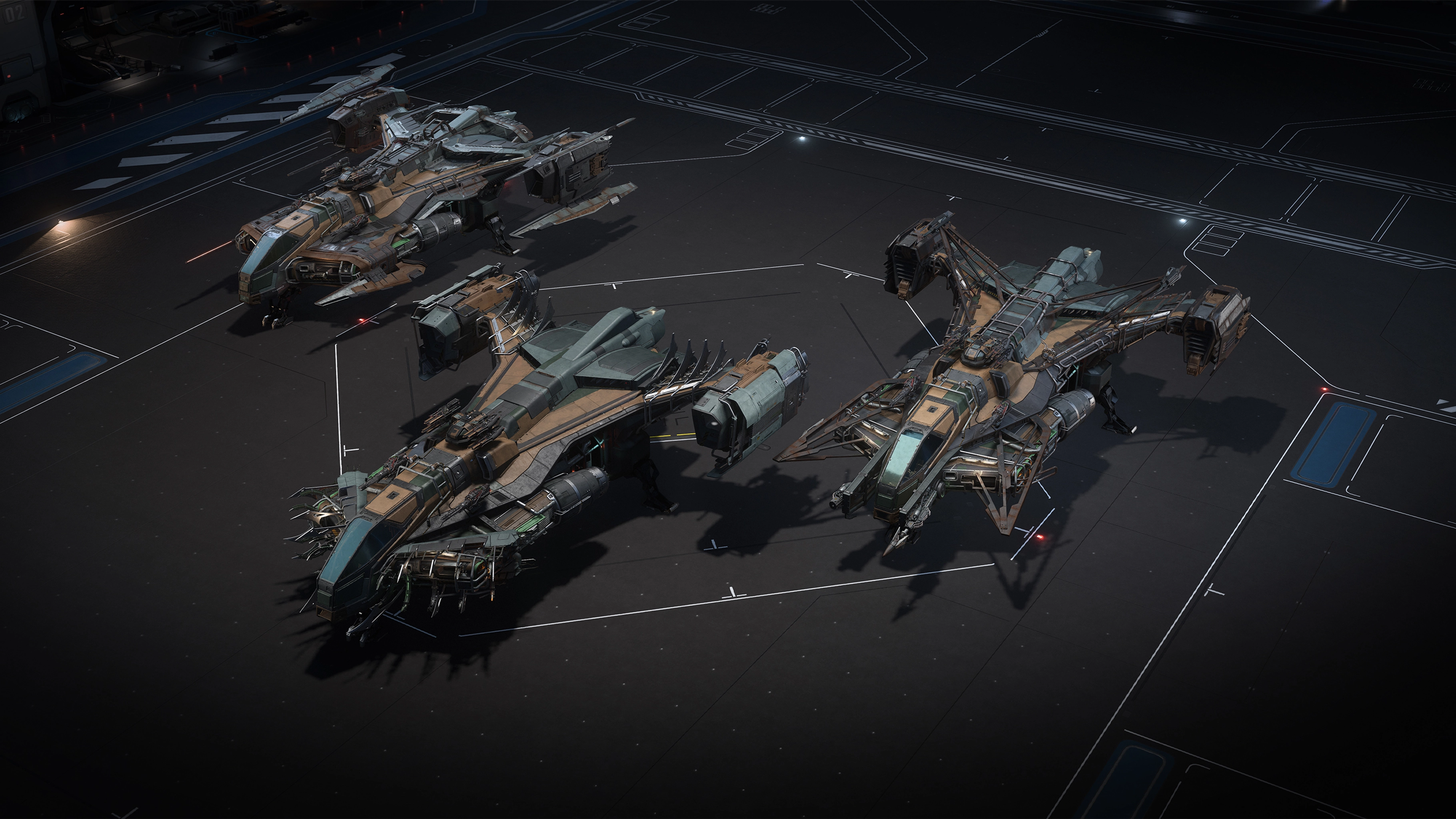
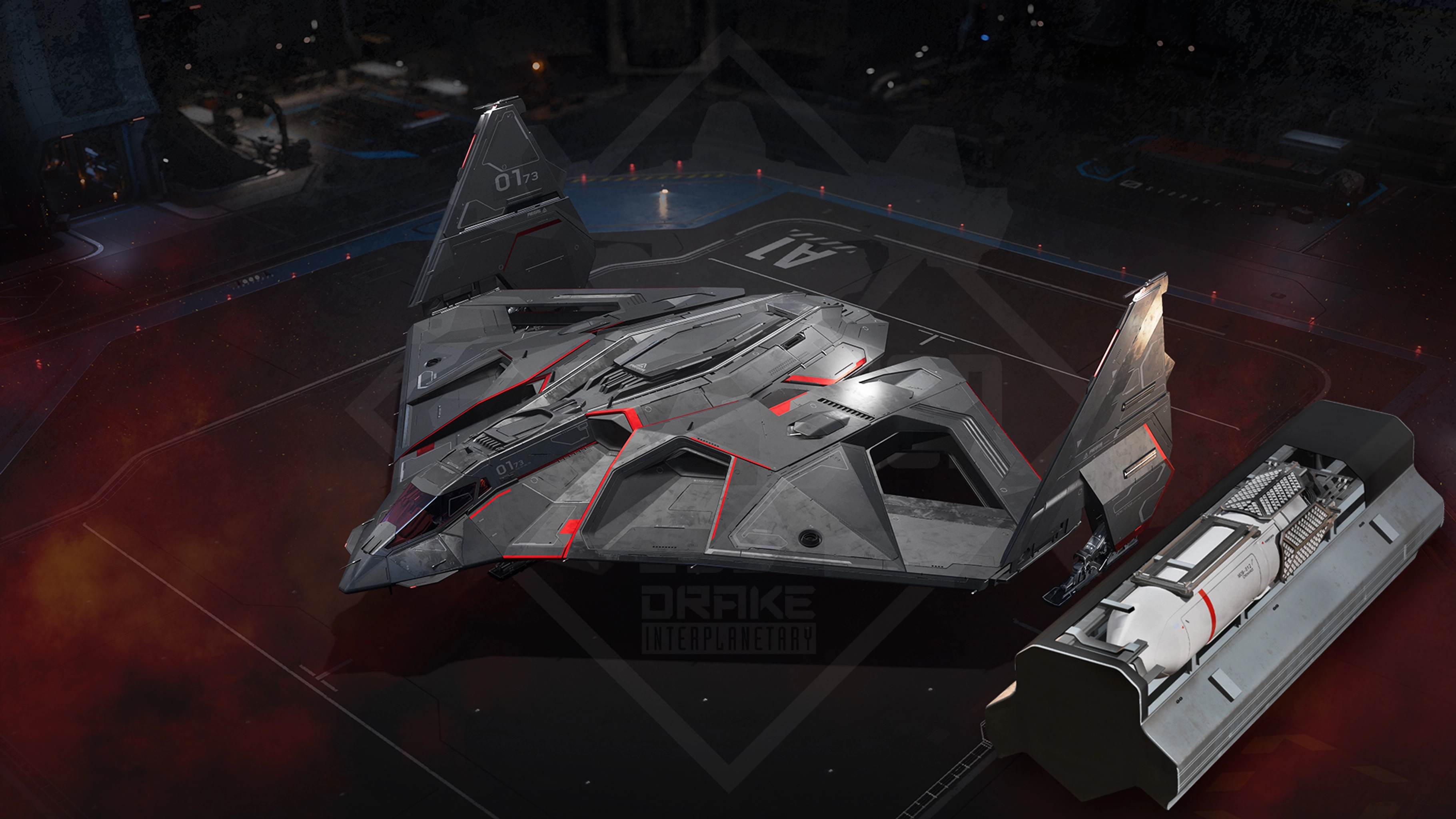
  • Addition of multiple new ships released with IAE 2955: RSI Perseus, RSI Salvation, Drake Clipper, Drake Golem OX, Kruger L-22 Alpha Wolf, Greycat MDC.

4.5.0

Loot Refresh

  • Rebalancing loot at various sandbox locations and introducing previously Wikelo-exclusive rewards to the loot pool.

This card has been set to Tentative.

New Wikelo Ships Offerings (4.5.0)

  • Adding multiple new vehicles and equipment to the ever-expanding Wikelo’s Emporium: Aegis Idris, Anvil Asgard, Prospector, ARGO Raft, and Kruger L-21 Wolf, with upgraded components and a unique base livery. A unique military Kruger L-21 Wolf can also be unlocked by completing other Wikelo Ships Offerings. These rewards can be obtained by completing Wikelo’s contracts.

This card has been set to Tentative.

Wikelo Rebalance (4.5.0)

  • Adding a variety of new ships to Wikelo, alongside a rebalance of effort required to earn Wikelo rewards.

This card has been set to Tentative.

RSI Meteor (Contested Zones)

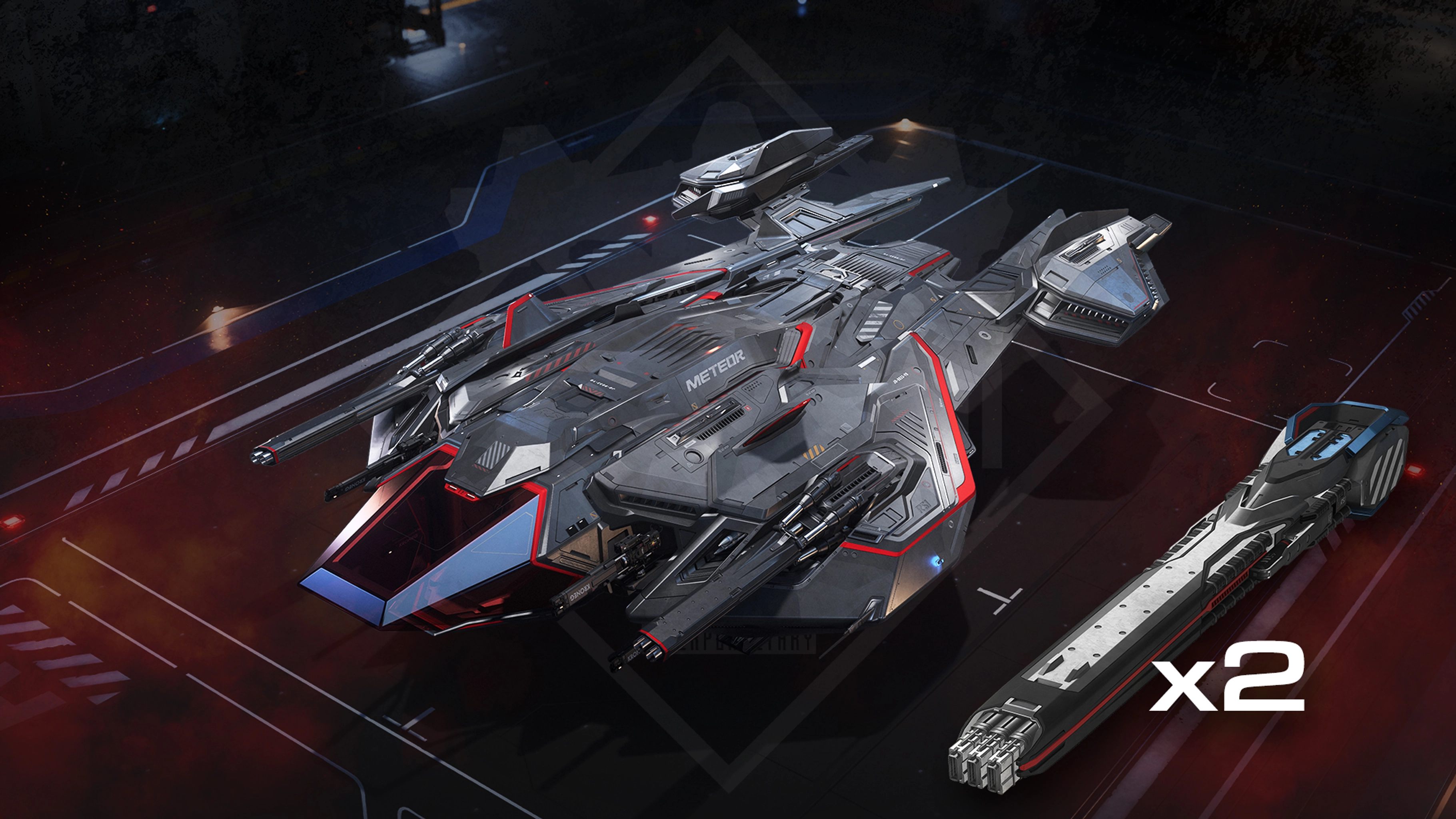
  • Implementing an executive ship as a reward for completing a Contested Zone by unlocking the executive hangar: RSI Meteor.

This card has been set to Tentative.

New Weapon Attachments

  • Implementing a host of new attachments, including low zoom VOLT optics with charge/heat measurements readings, low zoom Klaus & Werner scopes, new barrel attachments with scorched/tweaker power levels, as well as a new tactical VOLT flashlight.

This card has received additional scopes attachments, expanding on its existing 4.5.0 New Barrel Attachments.
This card has been set to Tentative.

Ship Flight Tuning Changes: Snub Fighters and Interceptors

  • Updates on Snub Fighters and Interceptors for the MIRAI Fury (and variants), ORIGIN 85X, KRUGER P-52, KRUGER P-72, MIRAI Razor (and variants), ORIGIN M50, AEGIS Avenger (and variants), ORIGIN 300i series. SCM & NAV speeds, accelerations, angular speeds, rotations, health points, and racing ships adjustments.

This card has been set to Tentative.


Alpha 4.5.0: Engineering Design Doc

Alpha 4.5.0 introduces Engineering Gameplay, Armor, and Ship Fire Hazards. These interconnected systems fundamentally change how you interact with and maintain your spacecraft and represents some of the most significant ship gameplay changes, affecting nearly every ship and vehicle in the game.

The goal of Engineering gameplay is to enable ships to perform approximately as well as they did in 4.4.0 in combat and survivability, with the added benefit that engineering and multicrew gameplay can extend capabilities beyond what was possible in 4.4.0. However, you’ll now need to actively manage your ship’s systems and perform maintenance between battles to ensure you’re fully prepared for your next encounter.

Engineering systems are currently in progress during 4.5.0 PTU phases and may have issues and features not completely functioning. These can be treated as bugs and feedback and we definitely want to hear from you in the issue council and Spectrum about all of your findings!

Engineering and Resource Network

The new Engineering system introduces a comprehensive ship management experience that transforms how players interact with their vessels. This system creates dedicated gameplay roles for engineers aboard multi-crew ships while also providing solo pilots with new depth in ship maintenance and combat survival.

Engineering encompasses power management, component health monitoring, damage repair, fire suppression, and system prioritization. Understanding these interconnected systems is essential for keeping your ship operational during and after combat, exploration, and everyday flight operations.

Multi-Crew Engineering

The Engineer Role
On larger vessels, dedicated engineers will be imperative to keeping your ship ready during and in-between encounters. Extending the life of your ship is one of your engineer’s main goals through various tasks including monitoring the ship status during combat, prioritizing repair tasks, managing power distribution, fighting fires, and replacing and fixing components.

Having clear communication between your captain, pilot, and engineers is a must. This will include decision making for what emergencies to prioritize over another. As the engineer, you will have the tools at your disposal to give information about your ship’s current state to all members of your crew, starting with the engineering screen.

Engineering Screen UI

The Aesop Engineering Screen is the primary interface for monitoring and managing ship systems. This screen provides a comprehensive view of all ship components, their health status, power distribution, and system alerts.

The Engineering Screen can be accessed from: Dedicated engineering stations on larger ships, copilot seats on smaller vessels (for non-physicalized ships), and MFD panels throughout your ship.

Interface Elements

Ship Schematic View
The central display shows a 3D representation of your ship with color-coded indicators for each component and room. This view allows you to Identify damaged components at a glance, Navigate to specific ship sections, and Monitor real-time damage and and out of combat.

Displayed Information: Information currently displayed shows Hull damage and health overviews, component names and locations, component health/wear/tear percentages, power distribution status, room atmospheric conditions, and fire alerts. A component info box shows upon hovering over a component, giving a summary of its state.

Room Display
Shows fire status, atmospheric conditions, and loss of atmosphere for each room in the ship. Note that this can create significant information clutter on larger vessels.

Color State Indicators
Components are displayed with color-coded health states:

  • Green: 100-50% health range
  • Yellow: 50-20% health range
  • Red 20-1% health range
  • White 0% fully destroyed component
    Important Note: The current yellow threshold triggers at 99%+ health, which is considered too aggressive. Design intent is for yellow to appear at 50% health.

Presets

Players can store and load Presets of their power distributions through a dedicated UI section.

  • Flow: Create new preset, give it a name, adjust power levels
  • Presets can be shown in preview mode, which decouples the power management display from the active vehicle. Changes made in Preview can be either saved to a Preset, applied to the active vehicle, or discarded
  • Presets can be shared between players (stored locally in the user folder, similar to the Character Customizer)
  • Presets are stored per vehicle. There are no limits to the amount of presets

Ship Components Overview

Component Categories
Ships contain various components organized into functional categories. Understanding each type is crucial for effective engineering.

Power Generation
Power Plants Function: Generate electrical power for all ship systems.
Failure effect: These are of Critical Importance. If the power plant reaches critical state (0% health), the ship has a chance to explode.
Key Behaviors: Power plant failure triggers a self-destruct sequence with a timer based on the power plant. This can be repaired with multi-tool once critical. (Power plants going critical at 90%+ health without warning is a known issue)

Thermal Management
Coolers Function: Dissipate heat generated by weapons, thrusters, and other systems.
Failure Effect: Weapons and systems overheat faster, may shut down automatically
Key Behaviors: Some ships have multiple coolers to provide redundancy. Damaged coolers reduce heat dissipation capacity proportionally.

Defense Systems
Shield Generators Function: Project energy shields to absorb incoming damage
Failure Effect: Ship hull takes direct damage from all attacks
Key Behaviors: Multiple shield generators share the shield pool. Damaged generators reduce shield capacity and regeneration. A ship can have a max of 2 shields active at the same time with the 3rd being a reserve that is turned on once you lose one of your main shield generators (Note that shield status currently not visible on engineering screen)

Navigation & Detection
Quantum Drives Function: Enable quantum travel between locations
Failure Effect: Cannot perform quantum jumps (Jump drives currently cannot be repaired (known bug) - Requires replacement if destroyed)

Radar Function: Detect ships, signatures, and points of interest
Failure Effect: Reduced or no sensor capability
Key Behaviors: Radar is frequently damaged in combat (fragile) and may require multiple repairs during or between extended engagements

Propulsion
Main Thrusters Function: Provide primary thrust for acceleration
Failure Effect: Reduced acceleration capability

Maneuvering Thrusters Function: Provide attitude control and lateral movement
Failure Effect: Loss of specific directional control

Retro Thrusters Function: Provide deceleration thrust
Failure Effect: Reduced braking capability

Key Behaviors: Individual thruster damage is very granular and lost thrusters can cause uncontrollable flight. Thruster status currently NOT visible on engineering screen Considered too fragile in current balance.

Life Support
Life Support Units Function: Maintains breathable atmosphere, controls room temperature, and filters contaminants
Failure Effect: Loss of atmosphere quality control
Key Behaviors: - Filters smoke from the air (currently too slow) - Can be damaged affecting atmospheric quality - Contains replaceable filter sub-items

Door Systems
Door Hologram: Shows color coded holographic doors throughout the ship based on Nominal (blue), Offline (grey), Warning/Locked (yellow), and Critical/Broken (red)

Power Distribution & Management

Understanding Ship Power
Every ship has a finite power budget generated by its power plant(s). This power must be distributed among all ship systems: Shields, Weapons, Thrusters, Life Support, and other various systems. Managing this power distribution can be a job unto itself and prioritizing certain systems over another in tense situations could affect the survival of your ship and crew.

From the engineering screen or power MFD, there is a default power state for all ships but you as the engineer can Prioritize Systems, Emergency Divert power from non-essential systems, and balance load to distribute power evenly for standard operations.

In these systems, power is routed through capacitors that store energy for different system groups.

  • Weapon Capacitors: Store energy for weapon systems. Depleted capacitors reduce fire rate or disable weapons.
  • Shield Capacitors: Store energy for shield regeneration. Depleted capacitors slow hield recovery.
  • Thruster Capacitors: Store energy for propulsion systems. Currently affects the ship boost.

Fuses & Relay Systems

Fuse System Overview
Fuses act as protective devices between the power plant and individual components. Keeping plenty of these in quick reach of your engineer is imperative for continued operations.

Fuse Locations and Relay Systems
Fuses are installed in relay boxes throughout the ship. Ships vary in the number and location of relay boxes: While most small ships have between 1-2 relay locations, medium and larger ships can have 3-4 relay locations or more. Losing all fuses inside a relay will cause immediate loss of power of the ship.

Fuse health and Identifying Damaged Fuses
Damaged fuses appear on the engineering screen or will be visibly destroyed within the relay box. To replace these the play much first locate the damaged fuse, open the relay panel, remove the damaged fuse, and then replace it with one from their inventory.

Current Limitation: No “use from inventory” feature. Must physically handle fuses.

Armor Penetration Mechanics

  • Penetration Mechanics: Weapons have a penetration value (e.g., 1 meter for a size 3 ballistic gatling). The amount they penetrate depends on the current armor percentage. Penetration cone, impact radius, and distance radius all affect area on penetration.
  • Linear progression: As you reduce armor, penetration increases linearly. At 0% armor, weapons penetrate at their maximum value.
  • Weapon type matters: Ballistic weapons are less effective against armor compared to energy weapons, which do 1.4x normal damage to armor.
  • Component damage: Penetration is checked within a cone, not just a straight line. If a component is within the cone, it takes damage based on the penetration value and armor percentage.
  • Breaking armor: Even smaller weapons can eventually wear down armor over time, but larger weapons penetrate deeper and faster.

Example Scenario
If you use a size 2 weapon against a ship with full armor, you won’t penetrate. But as you keep firing and reduce the armor, you’ll start to penetrate and eventually damage internal components.
For capital ships, you may need larger weapons to reach deeply buried components.

Additional Notes
Armor bar improvements: There are ongoing efforts to fix bugs and make armor health more transparent to players.
Tooltips: Updated tooltips should help players understand armor, hull, and other systems.
Penetration cone: The system uses a cone check for penetration, so it’s not just a single bullet path. Multiple components can be affected within the cone.

UI

Giving information about the current state of armor of your ship and your target is just as meaningful as self status of shields and other systems.

This includes:

  • Health pool of the armor
  • Current effective thickness (the current value modified by the health ratio and the curve)
  • Feedback for shots including aiming reticle/pip provides piercing, not piercing but damaging, or not damaging the armor meaningfully
  • The Engineering Screen mirrors similar feedback on a dedicated panel widget
  • Shop descriptions describe armor-relevant properties of the entities. Guns (FPS/Vehicles): Penetration, Armor Damage Multiplier. Vehicles: Default armor thickness.

Damage States & Component Health

How Components Take Damage
Components can be damaged through various weapon fire penetrating hull/shields, collision impacts with other objects or terrain, Overheating when operating beyond thermal limits, and fire damage.

Health Percentage System
Each component has a health value from 0% to 100% which will degrade performance of the component the closer to 0% it becomes.
Keeping components repaired is essential to full ship performance.
Component health thresholds will quickly hinder your ship and keeping components repaired is essential to keep full ship performance.

  • 100 and 75% health the components will be at full performance
  • 75-50% health, minor performance degradation
  • 50-25% health, significant performance reduction
  • 25-10% health, Severely reduced performance
  • 10-1% Near failure performance
  • 0% Critically destroyed and non functional. Where power plants will go into critical state and thermal runaway

Hull Section Damage
Hull sections have their own health pools
Known Issues: Once hull sections turn red, they stop registering hit markers. Must damage entire ship to critical before destruction. This creates confusion about whether attacks are landing

Distortion Damage on Components
Distortion damage is a core damage type/behavior. Does not cause any physical damage or harm directly. Distortion shuts down powered entities. Components hit by Distortion-type weaponry, the Power Surge malfunction, etc. fill a Distortion pool, which decays over time. Distortion triggers if the pool fills completely, and disappears if the pool decays below a Recovery Ratio. Current behavior: Component shuts off

The Wear System

Understanding Damage vs. Wear
The Engineering system distinguishes between two types of degradation: Damage and Wear

Damage: Caused by combat, collisions, fires, and direct actions against the component. These can be repaired and restored to a pre-damage state using multi-tools and materials
Wear: Accumulated through normal use over time and will gradually degrade maximum component performance. Wear damage cannot be repaired through multi-tool use which means over time, the only way to restore functionality will be to replace the worn out component. Operating time, high-stress operations (combat, high power usage), and environmental exposure will all effect component wear.

Critical Wear System Issues: Cannot repair wear at any location (only damage). Forces component replacement loop without supporting systems.Fire & Hazard Management

Repair System

Along with the engineering screens, the primary tools an engineer will use is the multi-tools and repair attachments. Using Repair Material Composite (RMC), the player will be able to directly see the health and status of components, weapons, hulls, relays, and more.

An engineer can see component damage either by looking on the engineering screen or in person by aiming their repair tool at the component.

By aiming your repair tool at the damaged item such as a component or ship hull and holding the trigger the player will apply a repair beam that will take time based on component size. This could take quite a bit of time but multiple players working multiple repair tools together can combine their power to speed the process up.

There are however some current repair limitations:

  • Jump Drives: Currently cannot be repaired (known bug)
  • Unknown Parts: Some components appear on screen but cannot be located physically