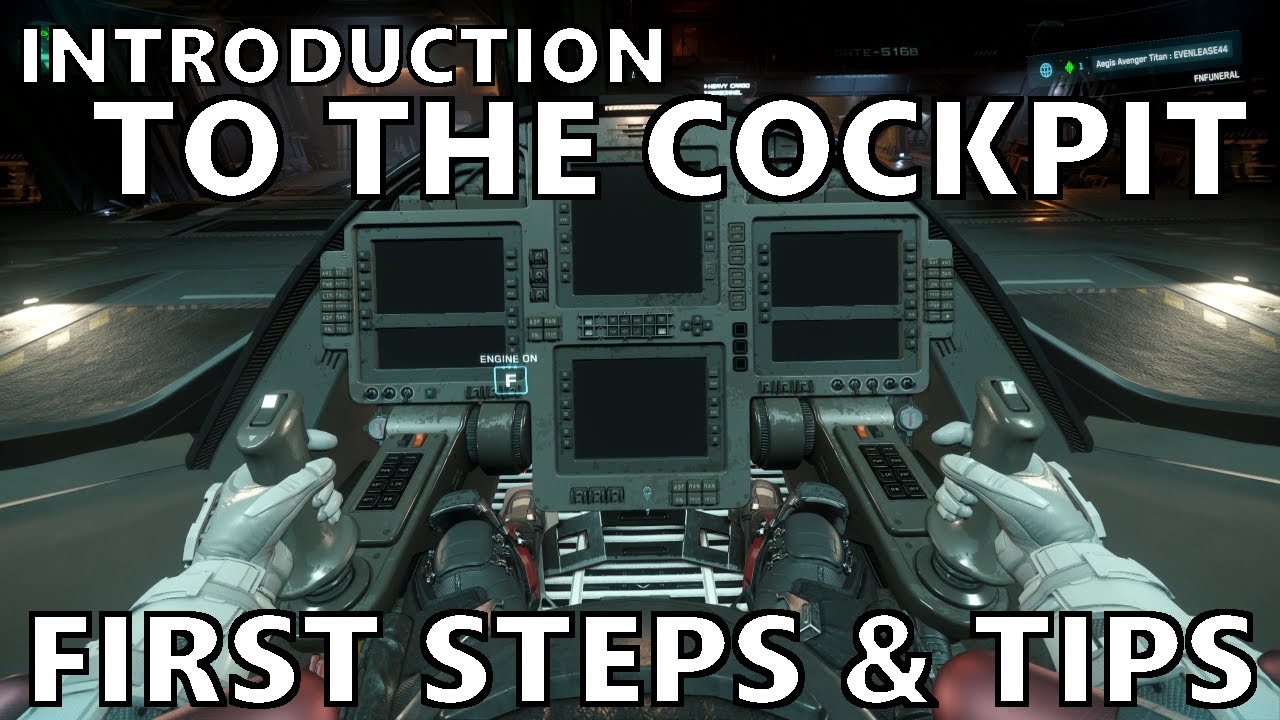
The video “Star Citizen - Introduction to the Cockpit, First Steps & Some Tips” offers a comprehensive beginner’s guide to operating a ship in Star Citizen. It starts by explaining how to power on the ship’s systems, emphasizing the importance of pressing ‘U’ to activate all systems and ‘I’ to start the engines. The presenter also mentions a shortcut (Right Alt + R) to power everything on at once but recommends learning manual control for better situational awareness. Essential systems like shields and weapons are automatically active but can be toggled with ‘O’ and ‘P’ respectively. The video highlights the importance of countermeasures, teaching how to launch flares with ‘H’ and set the quantity, as well as using decoys with ‘J’ to evade missiles and radar locks.
Next, the tutorial covers communication with Air Traffic Control (ATC) before takeoff, detailing three methods to request clearance, including quick keys like Left Alt + End. The presenter then explains how to lift off safely by raising the landing gear with ‘N’ and using the same key held down for auto-docking. VTOL mode can be toggled with ‘K’ where applicable. Basic flight controls are introduced: movement with W, A, S, D, space, and control keys, mouse for looking around, and additional keys like Left Shift for boost, Left Alt + C for cruise control toggling, and X for space brake. The difference between coupled and decoupled flight modes is explained, with advice to get comfortable flying decoupled for better maneuverability.
The video delves into switching between navigation and SCM (Standard Combat Maneuvering) modes by holding ‘B’. Navigation mode allows faster travel with no shields or weapons active, while SCM mode is for combat and close-range flying. Within these modes, players can cycle through different weapon and scanning systems using the middle mouse button. Targeting is introduced with the ‘T’ key to lock onto ships, cycling through targets, and ‘Left Alt + T’ to clear targets. The importance of getting close to targets (within 1000 meters) for better hit accuracy is stressed. The presenter also shows how to look around the cockpit independently with ‘Z’.
Important cockpit management tips include setting the correct number of flares, managing power distribution between shields, weapons, engines, and coolers to optimize performance and reduce infrared signature, and adjusting the radar zoom with the mouse wheel to monitor threats at varying distances. After landing, players can use the F1 key and the landing MFD tab to check for repairs, ammunition refills, and refueling, with costs displayed to ensure sufficient funds. The presenter encourages making these startup and readiness steps muscle memory to ensure preparedness before every flight.
Finally, the video addresses troubleshooting common issues such as losing mouse control of the ship, which can be fixed by pressing Right Shift. It also advises players to communicate in global chat or join the Discord community for support. The tutorial concludes with a quick reminder on how to eject from the ship using the cockpit button or the shortcut Right Alt + Y in emergencies. Overall, the video provides a detailed and practical introduction to piloting in Star Citizen, aimed at helping new players gain confidence and competence in the game’s complex cockpit systems.