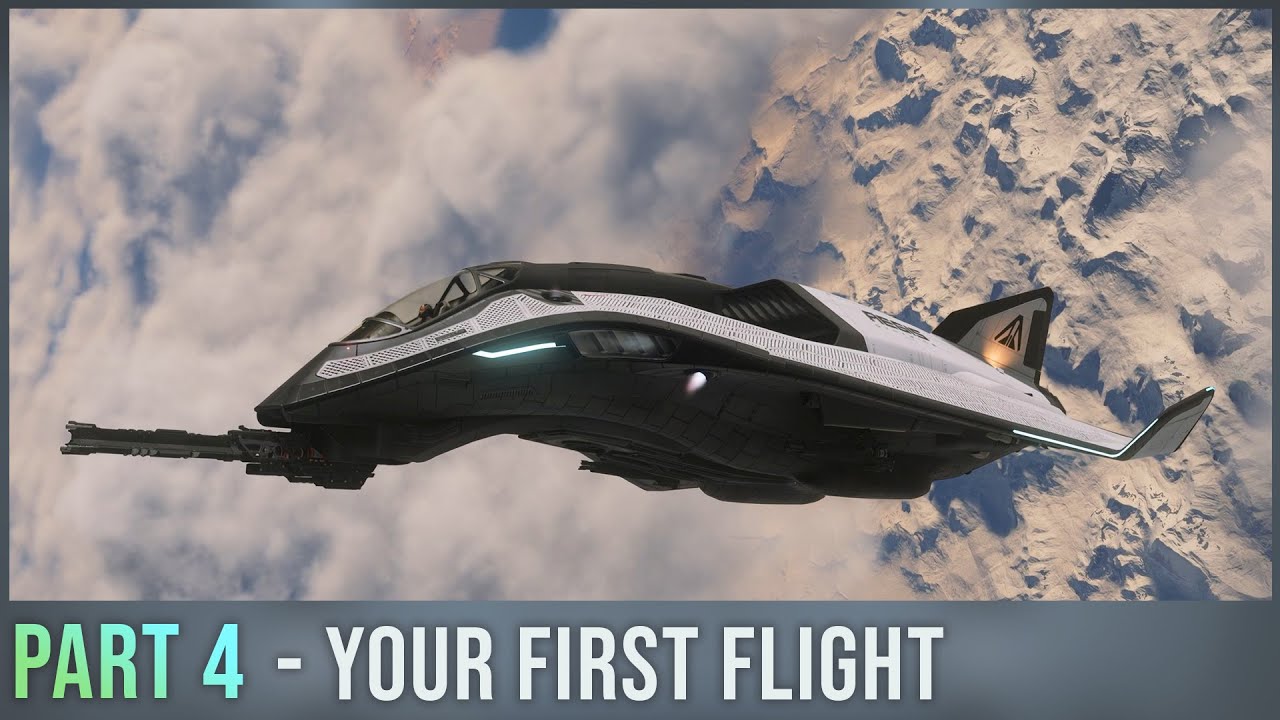
The video begins by guiding new Star Citizen players through the initial steps after entering the pilot seat. Holding the F key reveals interactive buttons, including the ejection option, which is functional and should be used cautiously. Players are instructed to power on their ship using the flight ready command and to toggle power and engines independently with the U and I keys, respectively. Once powered up, the ship’s systems come alive with screen activations. The video emphasizes the importance of adjusting specific settings before takeoff, such as enabling the advanced HUD and labels for clearer and more consistent information, and turning on the pilot vector indicator to always on, which helps in visualizing the ship’s momentum and avoiding collisions.
Next, the video covers keybind adjustments to enhance gameplay comfort and efficiency. It suggests changing the request landing key to F3 and the flight ready key to R for easier access. The advanced HUD is then broken down, explaining flight modes like SCM (combat mode) where weapons and defenses are active but speed is limited, and nav mode, which allows faster travel and quantum jumps but disables weapons and shields. The coupled indicator is explained, with a recommendation to keep it on during learning to maintain control over the ship’s speed and movement. The HUD also displays critical information such as hydrogen and quantum fuel levels, landing gear status, speed, altitude, afterburner gauge, and countermeasures.
The tutorial then moves into practical flying controls, advising players to set their speed limiter to about 30 meters per second for safe takeoffs and landings. Controls for vertical and horizontal movement, as well as roll and pitch, are detailed, with the mouse controlling the ship’s view direction (VJO). Players are guided to open their hangar doors using F3 and raise their landing gear before exiting the hangar. Increasing speed by adjusting the speed limiter and using boost (shift key) is recommended while ascending to around 11 km altitude. At this point, players switch to nav mode to locate and set a quantum jump route to a planetary station, such as Port Trestler, using the in-game map and search functions.
Upon entering nav mode and space, the video stresses the importance of using the pilot vector indicator to avoid crashing into stations. It explains three methods to slow down quickly: switching back to SCM mode, lowering the speed limiter, or using the space brake (holding X), which locks the ship’s momentum and applies maximum thruster force to decelerate. When approaching a station for landing, players request landing clearance using F3 and follow the markers to their hangar. The video advises careful speed management and gentle maneuvering inside the hangar, including lowering the speed limiter and deploying landing gear to ensure a smooth touchdown. Once landed, players turn off their engines with the I key.
Finally, the video congratulates players on completing their first flight, acknowledging that while Star Citizen can be overwhelming, this tutorial covers most of the essential basics needed to explore independently. Players are reminded they can exit their pilot seat by holding Y and are briefly introduced to the Moby Glass interface, which is a critical part of gameplay outside the cockpit. The video ends with encouragement to continue learning and exploring the game world, promising more guidance in subsequent parts of the new player series.