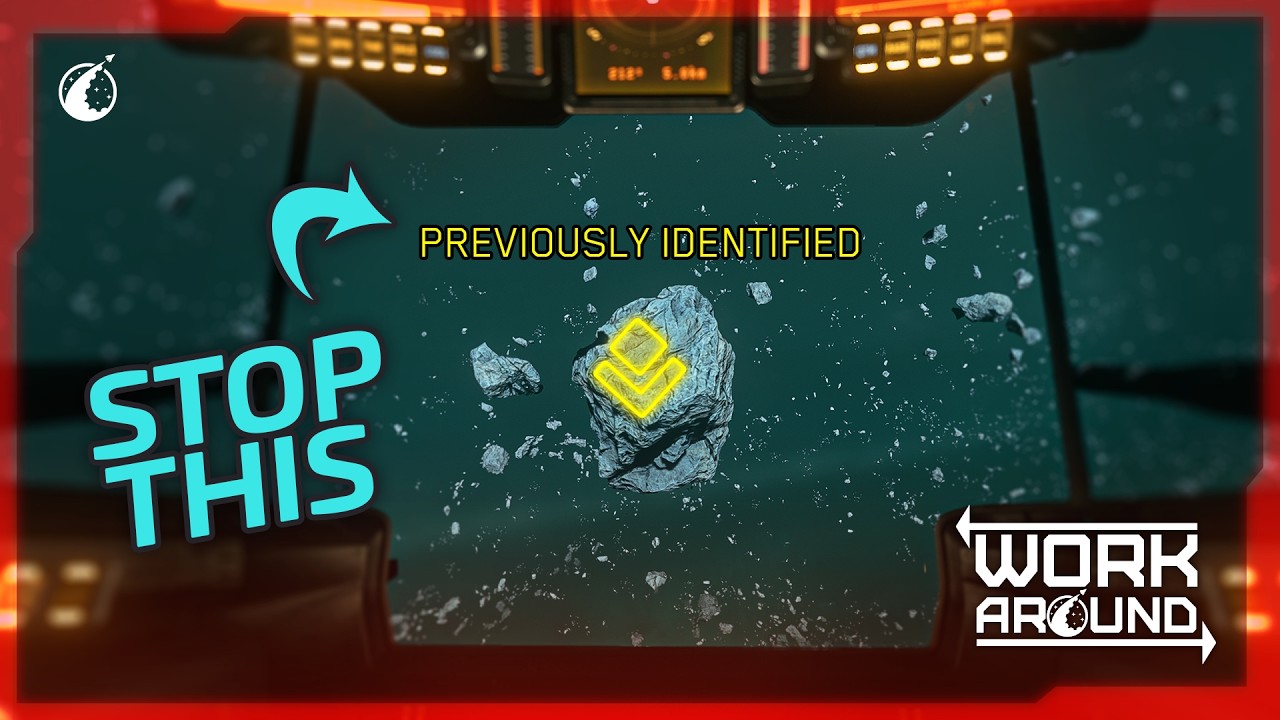
The introduction of the auto scan on ping feature in Star Citizen 4.9 has worsened contract scanning bugs caused by server synchronization issues, leading to missing objective markers and scanning glitches. Players can mitigate these problems by switching out of scan mode near targets, avoiding mining mode during scans, patiently waiting for indicators to stabilize, retracking contracts, or switching servers if necessary, while monitoring server performance to improve gameplay experience.
The introduction of the new experimental auto scan on ping feature alongside the RECO scanning contracts in Star Citizen 4.9 has exacerbated an existing frustrating bug related to contract scanning. This issue largely stems from server health and synchronization problems, where the server must accurately determine the player’s position relative to asteroid clusters and identify if those clusters are relevant to the contract. Until the server successfully processes this information, objective markers fail to appear, similar to how enemies may remain static due to desync issues.
To mitigate this, players need to adopt specific behaviors when approaching scanning targets. It is recommended to switch out of scan mode when within 10 kilometers of the target cluster to prevent the auto scan from triggering prematurely when pinging. Additionally, players in mining ships should avoid switching to mining mode, as this triggers a passive deep scan with no visual or loud audio cues, potentially causing confusion about whether a scan is in progress.
If the scanning mode indicator continues to flash after switching modes, players should wait patiently near the rocks, as this allows the game to register their proximity and prevents bugs where objective markers continuously regenerate or remain stuck on screen. Tracking a different contract or untracking the scanning contract can also help. Once the appropriate hint popup appears, players can proceed with scanning confidently.
Another common issue arises when players encounter asteroid clusters that have already been cracked by others. Although the smaller pieces still appear with the same scanning signature, these are flagged as already scanned, preventing progress. In such cases, waiting more than five minutes and retracking the contract may help, but if the problem persists, switching to a different server shard is advisable. Monitoring server population and performance using console commands can assist players in finding better-performing shards.
Given the high player activity on Nyx servers, especially during peak times with many grinding RECO contracts or hunting CQ7 rifles, performance can vary significantly. The video creator provides links to official issue council reports and maintains a list of RECO contract bugs on their website. They encourage viewers to ask questions in the comments for further assistance and conclude by reminding players to stay safe and be mindful of bugs while exploring the game.