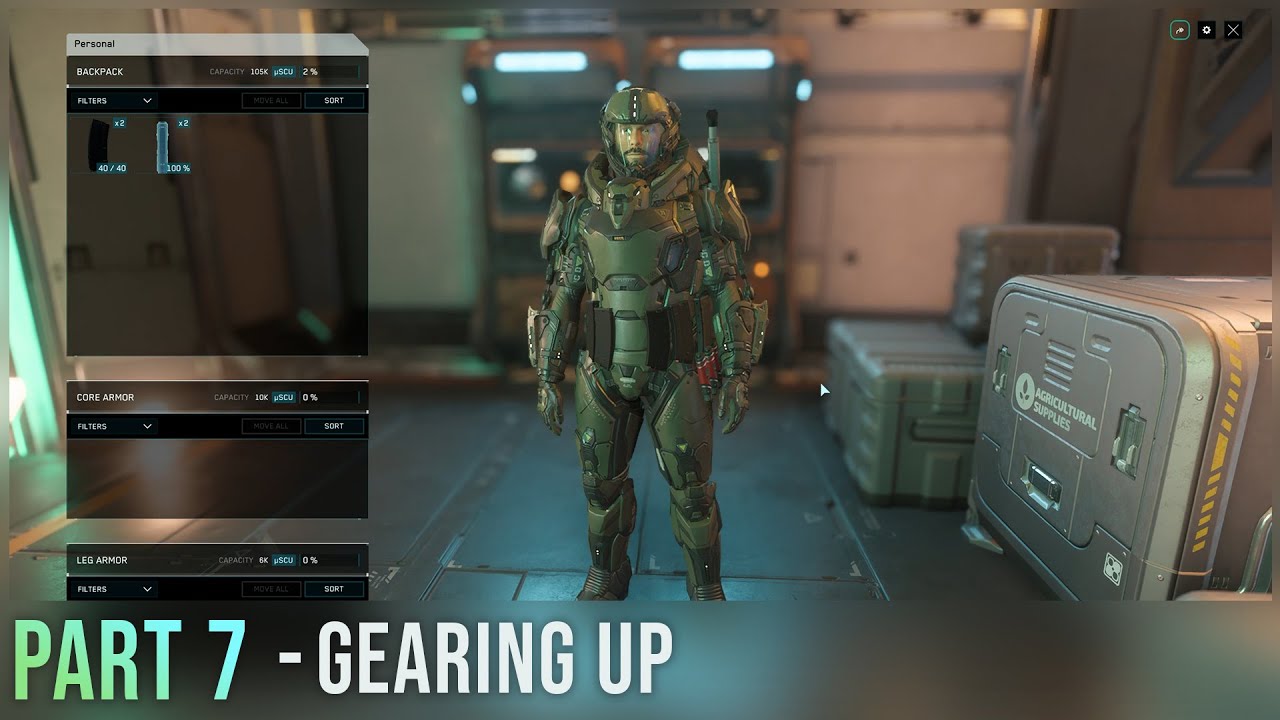
The video guides new Star Citizen players on efficiently acquiring and managing gear, highlighting accessible purchasing options at planetary stations like Trestler and explaining inventory and equipment mechanics. It also details how different armor and weapon weights affect player mobility, encouraging experimentation to balance protection and agility.
In this segment of the 2026 Ultimate Star Citizen New Player Guide, the focus is on gearing up your character efficiently. The guide emphasizes that players can approach Star Citizen’s gameplay similarly to games like DayZ, where you complete missions and collect weapons and armor to keep on your person until you decide to switch them out. However, it’s also highlighted that all necessary gear can be bought relatively cheaply at planetary stations, making it accessible for players who prefer to purchase equipment rather than scavenge.
The video takes you through the process of acquiring gear at the Galleria, specifically at the Trestler station. Each planetary station, except for some like Bad Point, has armor and weapon shops where you can buy items either directly from display racks by holding F or through a console that allows you to search and sort items efficiently. The guide recommends specific gear for new players, such as the 80p heavy armor paired with a medium or large backpack and a P4 assault rifle with multiple magazines. Additionally, it advises buying extra medical pins from the clinic to stay prepared.
Another important location for gear is the cargo center, where players can find multi-tools and tractor beam attachments. These tools are essential for handling heavy objects that are otherwise difficult to carry and occupy a specific inventory slot. After purchasing items, players need to use storage access points, either outside the station or in their hangar, to equip their gear. The guide explains the importance of wearing an undersuit before equipping other items and the necessity of matching backpack sizes to the size of the chest piece armor.
The guide also covers the mechanics of equipping and managing inventory. Players can double-click to equip items and click-and-drag to remove them. It’s important to note that equipped items are retained upon death, whereas items in inventory are lost unless you recover your body. Accessing personal and combat inventories is done by tapping or holding the “I” key, which is also the interface used when looting players, NPCs, or loot boxes.
Finally, the video explains how weight affects player movement in Star Citizen. Unlike other games where being over-encumbered can prevent movement, in Star Citizen, carrying heavier weapons and armor progressively slows you down and reduces your jump height. Light armor and weapons allow for faster sprinting and higher jumps, offering greater mobility, while heavy gear provides better protection but limits agility. The guide encourages players to experiment with different combinations to find the play style that suits them best.