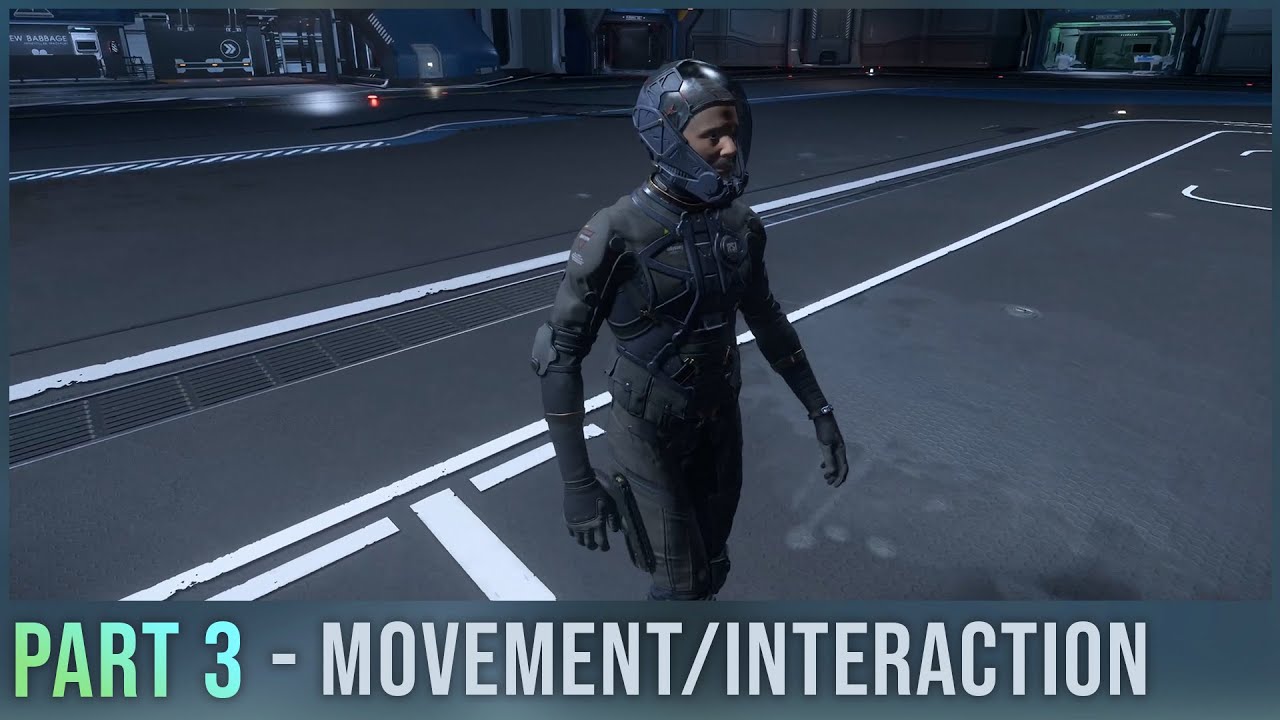
The video begins by explaining that upon finishing the loading screen in Star Citizen, players will spawn directly in their hangar area. This initial spawn is a one-time event, so it’s important to set your spawn point at the station above. If you die, you can exit the hospital via an elevator and follow signs to the metro loop or tram to reach the spaceport again. A useful tip shared is the ability to hold the F key and scroll to digitally zoom in, which helps in reading signs or examining objects more closely.
Next, the F key is introduced as the primary interaction key in the game. Tapping F allows players to perform various actions such as opening doors, picking up items, sitting down, and looting. The video demonstrates this by interacting with the ship console or ASOP, where all ships are stored. Players can see their ships’ names, details, and a multifunction button to deliver, retrieve, store, or claim ships. At the start of a patch, ships need to be delivered once, and if a ship is destroyed, it can be reclaimed quickly, especially starter ships.
The video then covers inventory management by interacting with the storage access console. Players have a local inventory on the right and a physicalized character inventory in the center. Equipping items like armor is done by double-clicking, which moves the item to the character inventory on the left. Items such as ammo and consumables can be manually dragged onto the character. Movement controls are similar to other FPS games, using WASD for movement, mouse to look around, and the scroll wheel to adjust walking speed. Additional controls include shift to run, C to crouch, left control to go prone, space to jump, and Q and E to lean.
When performing a spacewalk, the controls are mostly the same but with some changes: Q and E roll the character, spacebar moves up, and left control moves down. For third-person view, pressing F4 switches the camera, and holding Z allows free panning with the mouse. The game also provides dynamic tooltips and default control reminders on the bottom right of the screen, which are helpful for new players to keep track of controls depending on their current situation.
Finally, the video highlights the freight elevator in the hangar, which is used to store and retrieve large items like cargo boxes or ship components. Players can send items down or bring them up by dragging items on the console. To board the ship, there are two options: using the ramp and pressing F or entering through the front entrance near the cockpit. Approaching the cockpit and selecting the interaction labeled “interpilot seat” allows players to ride in the ship. This concludes the overview of movement and interaction basics in Star Citizen.