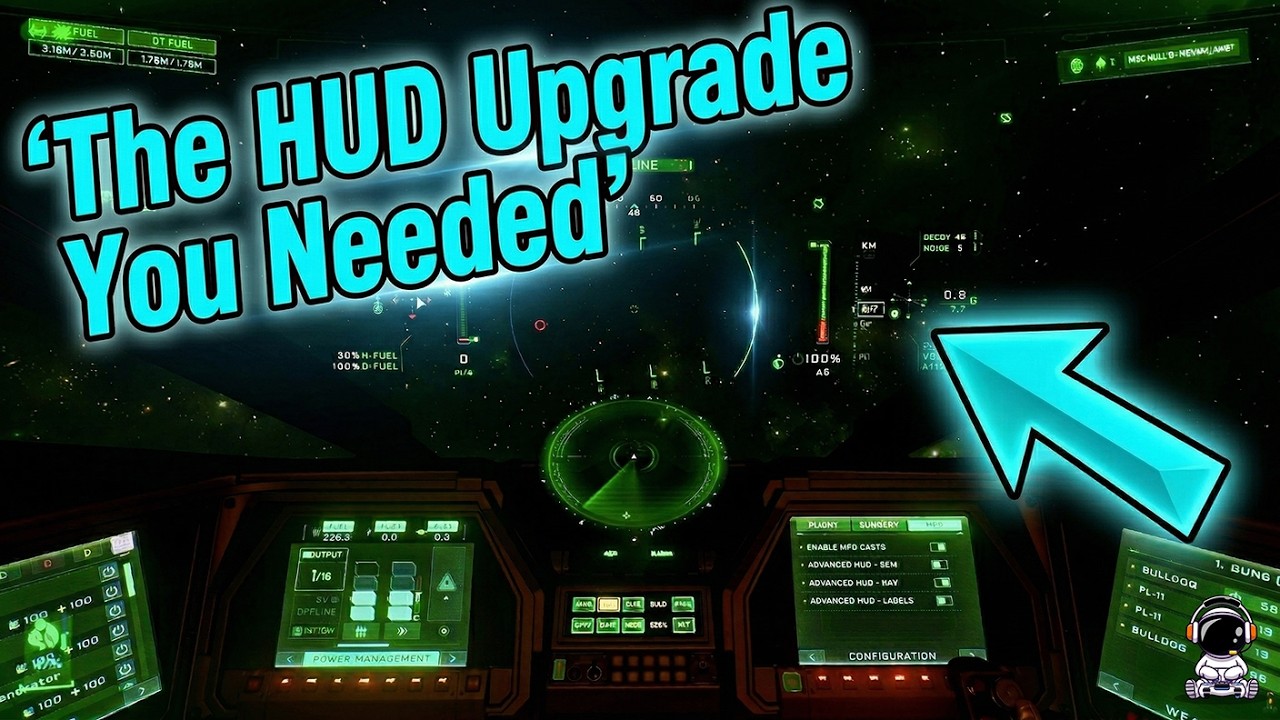
The video reveals a hidden “Advanced HUD Nav” setting in Star Citizen that repositions and streamlines navigation and flight information, making key data like distance, altitude, and fuel more accessible and less cluttered, especially during Quantum Travel. It also highlights additional HUD customization options for various flight modes, allowing players to tailor labels and indicators to their preferences for a clearer and more immersive gameplay experience.
In this Star Citizen video, the creator shares a useful quality-of-life tip related to customizing the in-game HUD (Heads-Up Display) to better suit personal preferences. The focus is on changing how navigation and flight information is displayed, especially when in Quantum Travel (QT) mode. The default HUD shows various elements like navigation markers, speed, and fuel information in certain positions on the screen, which some players might find cluttered or inconvenient.
The video demonstrates how to access the HUD settings through the game’s configuration menu and highlights the option called “Advanced HUD Nav.” Enabling this setting removes the default bottom-of-the-screen indicators and replaces them with alternative bars and displays positioned differently, such as at the top of the screen. The creator prefers this setup because it shows important information like distance, altitude, and fuel in a cleaner, more accessible way.
Additionally, the video explains that toggling this setting affects the visibility of specific data, such as QT fuel levels, which may not appear in one mode but are visible in the other. The presenter also notes that other HUD elements, like noise levels and G-force indicators, move or change depending on the configuration chosen. This flexibility allows players to customize their HUD to what feels most intuitive and useful during gameplay.
Beyond just the navigation display, the video touches on customizing labels and indicators for other flight modes like SCM (Space Combat Maneuvering). For example, players can choose between different label styles for statuses like “coupled” or “landing gear down,” with some variations showing symbols in different sizes or locations. This helps players quickly understand their ship’s status without confusion.
Overall, the video emphasizes that these HUD customization options, while subtle, can significantly improve the gameplay experience by decluttering the screen and tailoring information display to individual preferences. The creator encourages viewers to experiment with these settings to find the HUD layout that works best for them, enhancing both immersion and functionality in Star Citizen.