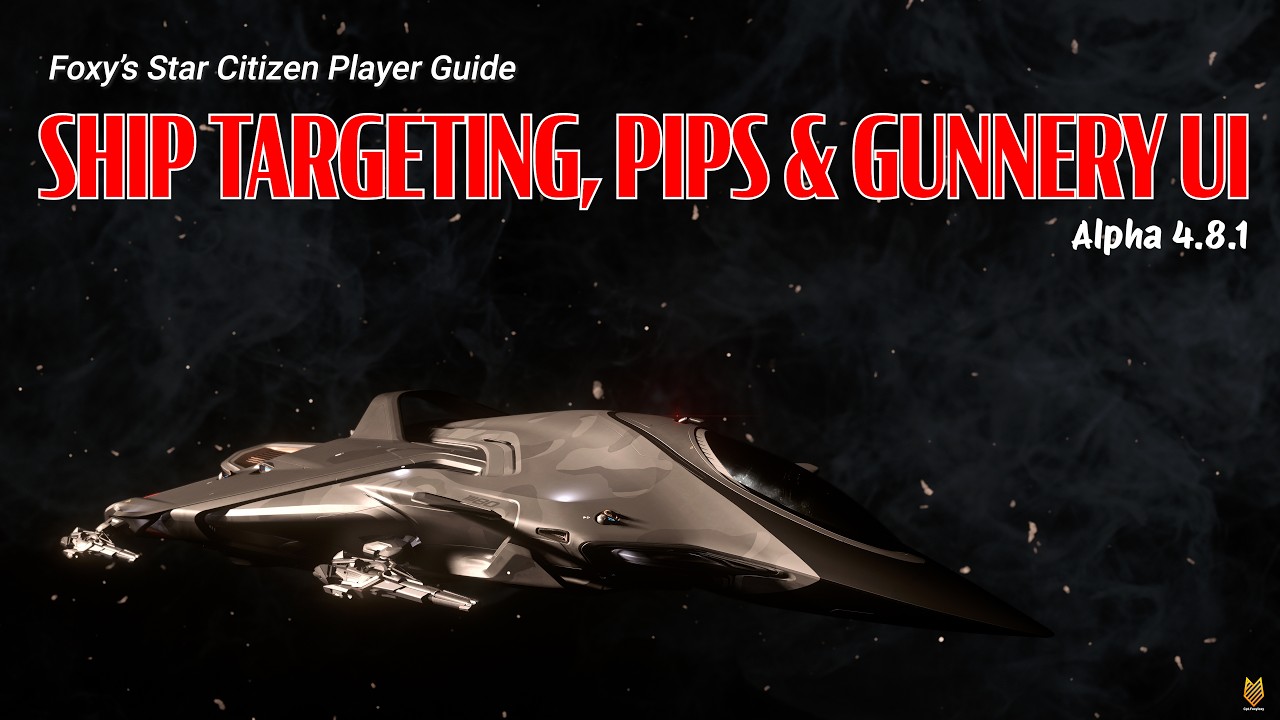
In this video guide for Star Citizen version 4.8.1, Foxy explains the fundamentals of ship targeting, weapon firing modes, and gunnery UI to help new or relatively new players better understand combat mechanics. The video begins by describing the two main firing modes for ship weapons: fixed and gimbal. Fixed weapons fire in a set direction and require the ship to maneuver to hit targets, while gimbal weapons allow the pilot to manually adjust the gun’s aim independently of the ship’s movement, although this comes with a reduction in firing rate by half. The guide also clarifies that auto gimbal mode is primarily reserved for turrets on multi-crew ships, and explains how gimbal mounts and weapon sizes work following recent changes.
Foxy then demonstrates the differences between fixed, manual gimbal, and auto gimbal modes using examples on various ships and turrets. He shows how manual gimbal mode allows for greater firing arcs but at the cost of reduced fire rate, making it more useful for larger, less maneuverable ships. Auto gimbal, available mostly on manned turrets, automatically tracks targets within range, indicated by visual cues like changing pip colors and arrows. The video also covers how to toggle between these modes via keybinds and MFD (Multi-Function Display) configuration pages, emphasizing that all gimbal modes reduce firing speed by half.
The targeting system is explored next, with Foxy detailing the importance of radar power for locking onto targets. He explains various keybinds for targeting different groups such as hostiles, attackers, friendlies, and all targets, highlighting the usefulness of these options in combat scenarios. Manual targeting is characterized by an inward-facing square around the target, while holding the target key (T) activates auto-targeting, which automatically switches targets based on where the player is looking. This feature is especially useful for gunners or support roles who need to defend larger ships without focusing on a single target.
Foxy also covers targeting pips, specifically the lead and lag pips used to predict where to aim based on target movement and bullet travel time. Lead pips are recommended for smaller, faster ships, while lag pips work better on larger ships or when targeting specific components. The guide introduces staggered firing mode, which alternates shots between weapon groups to increase hit probability on nimble targets, versus combined mode which fires all weapons simultaneously. Additionally, convergence settings are explained, which adjust the point where bullets meet when firing without a target lock, useful for blind firing on large or ground targets.
Finally, the video delves into precision mode, activated by holding the right mouse button, which zooms in and highlights ship components such as turrets, power plants, and shield generators, allowing for targeted attacks on critical systems. Foxy points out various UI options like precision lines to help track enemy orientation, fade pips that should be disabled to keep crosshairs visible, and individual pips for each gun which can clutter the HUD. He also advises against magnifying the symbology, as it increases inaccuracy. The video concludes with a summary of relevant keybinds for targeting and weapon control, aiming to equip players with the knowledge to effectively engage in Star Citizen’s space combat.