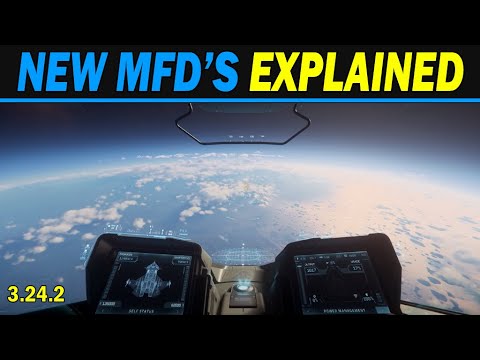
In the video, Law of the West provides an overview of the new Multi-Function Displays (MFDs) in Star Citizen, detailing their updated features and functionalities. The new MFD screens include sections for weapons configuration, shield status, self-status, target status, scanning configuration, communications, and power management. The video aims to clarify how to navigate these screens, which may initially seem complex but become intuitive once understood.
The power management screen is highlighted first, showcasing its three key indicators: ship IR emissions, EM levels, and cross-section. Viewers are instructed on how to utilize tooltips for more information by pressing and holding the F key. The screen also displays reserve power levels, which can be allocated to various components. Users can turn components on or off quickly, and will see indicators for powered-down components. Additionally, the holographic display on the left MFD shows the current operational mode—either SC (Space Combat) or Nav (Navigation)—and the ship’s velocity.
Next, the video explains the self-status screen, which changes depending on the operational mode. In SCM mode, it provides details about missile and gun statuses, while in Nav mode, it displays fuel levels. Viewers learn how to cycle through missile types and arm missiles for burst fire. The video emphasizes the importance of being in the correct mode to access specific information, such as fuel levels and scanning capabilities. Scanning requires targeting a ship and switching to the scan screen on one of the MFDs.
Law of the West also covers the weapons configuration screen, where players can set their weapons into groups and view ammo types and counts. He addresses a common issue where players cannot switch between weapon groups, explaining that they must activate additional groups in the key bindings menu. The communication screen allows players to hail nearby contacts, while the target status screen displays important information about targeted ships, including their signatures and affiliations.
In conclusion, the video serves as a comprehensive guide to navigating the new MFDs in Star Citizen, encouraging players to experiment with the features to become more familiar with their functionalities. Law of the West aims to simplify the learning curve associated with the new systems, ensuring players can effectively utilize their ships’ capabilities in the game. He expresses hope that the information provided will help viewers get started and navigate the various options within the MFDs.