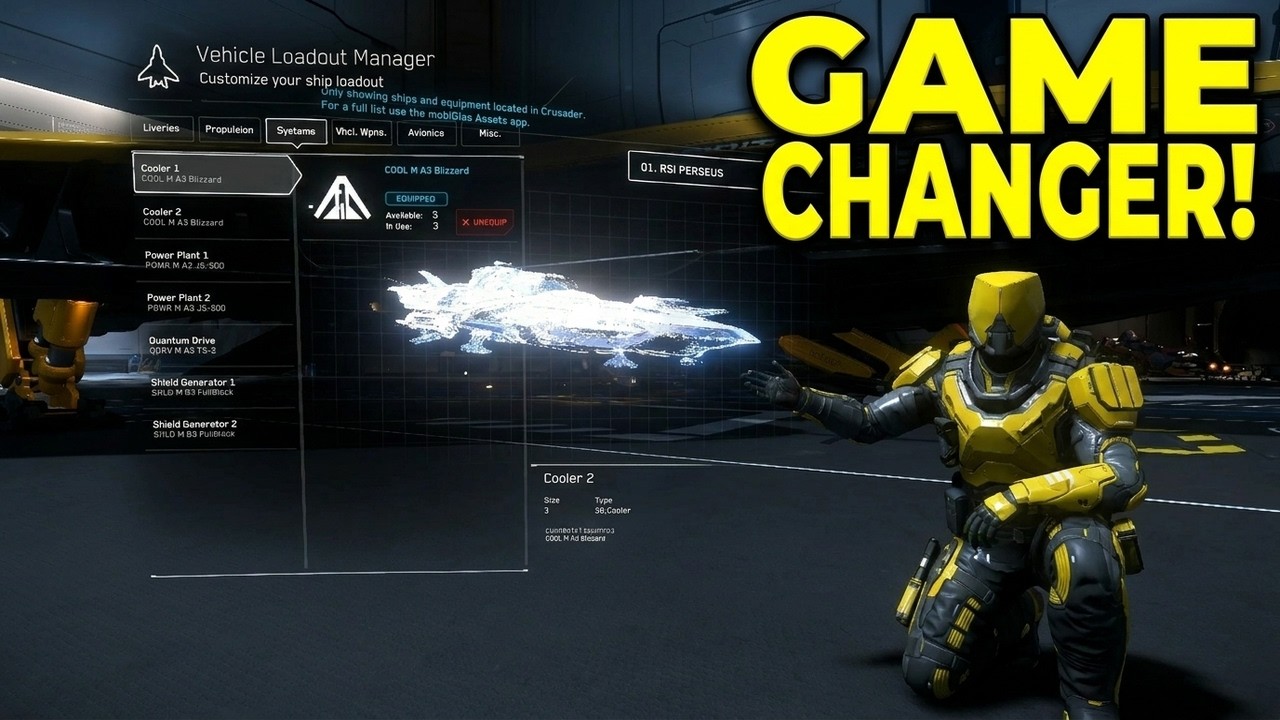
In this video, the presenter introduces a powerful and versatile tool for Star Citizen players that combines multiple functionalities from various previous mods and tools into one unified platform. The tool allows users to customize and manage their ships and components more efficiently, improving the overall gameplay experience. For example, players can easily view detailed component information, such as cooler types, classifications, sizes, grades, and names, all displayed in a customizable format. Additionally, the tool lets users organize their favorite ships at the top of the list, making it quick and easy to access frequently used vessels without scrolling through long menus.
One of the standout features of the tool is the Fleet Manager, which enables players to group ships by manufacturer or category, such as RSI or Anvil, and arrange them according to personal preference. Users can also create custom groups, such as executive hangar ships or vehicle ships, and reorder them with simple drag-and-drop functionality. This organization system streamlines ship selection and fleet management, allowing players to quickly find and deploy their preferred ships in-game. The tool also integrates contract information, showing which mercenary contracts provide blueprints, further enhancing the player’s ability to track and obtain important game items.
The video then guides viewers through the process of accessing and customizing the tool via its website. The presenter explains how to translate the interface to English if needed and demonstrates how to configure component display formats by selecting elements like cooler type, classification, size, grade, and name in a preferred order. Similarly, the Fleet Manager setup is shown, where players can add ships to their favorites list, group them, and reorder them to suit their needs. This customization ensures that the tool fits each player’s unique gameplay style and preferences.
Installation instructions are provided in detail, showing how to download the necessary files and place them in the correct Star Citizen directory structure. The presenter walks through creating the required folders if they do not already exist and copying the downloaded files into the appropriate localization folder. Additionally, the video covers modifying the user.cfg file to enable the tool by setting the language to English, ensuring the game recognizes and uses the new configurations. This step-by-step guide makes the installation process accessible even for players who may not be familiar with file management.
Finally, the presenter mentions how to handle updates and patches by saving the configuration file for future use, which avoids the need to redo the setup after game updates. The video concludes by acknowledging the contributions of the tool’s creators and testers, encouraging viewers to try the tool for themselves to enhance their Star Citizen experience. Viewers are invited to subscribe, like, and share the video, with the presenter signing off and wishing everyone fun in the game.