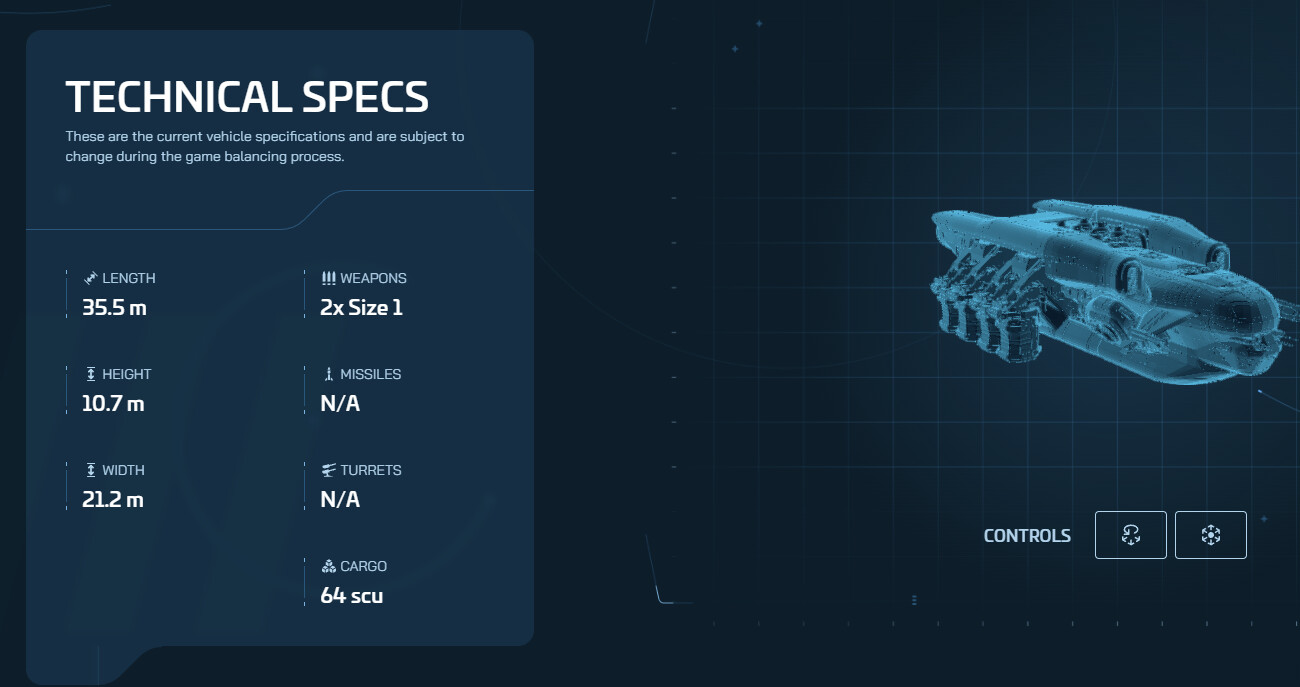
MISC Expanse cargo capacity has been changed back to 64SCU.
-# Schrödinger’s Cargo fr fr
WEDNESDAY, DECEMBER 10, 2025
FRIDAY, DECEMBER 12, 2025
In this version, we are improving the messaging on mandatory system requirements to Play Star Citizen.
OS requirement: Window 10 and up
CPU requirements:
*I joined CIG in 2018 to make this dream come true. I’ve poured out my heart and soul into this and I’m extremely happy and proud to see it finally in your hands.
There is nothing quite like seeing our amazing and detailed ships in VR and grasping the grandness and scale of the Star Citizen Universe in this way.
I’ve spent lots of time integrating the Theater Mode and the dynamic stereo switch (Note: The headset needs to support it!) so you can seamlessly swap between VR and desktop any time without any restrictions.
I want to see someone building a contraption where you can pull the headset from the ceiling to enter VR and take it off to switch back to desktop. Please share a video and ping me if you accomplished that!
Thanks to everyone who helped me in this journey and make this dream come true especially @jschneidercig @YogiKlatt-CIG @Gill-CIG @Sothar-CIG @Bault, as well as @CIG-SeanT for teasing it in the summer, all the QA for rigorous testing and the man himself, @croberts68 for giving us all the opportunity to become real space explorers.
This ist just the beginning and there is still lots to do. So hit me with your feedback and suggestions.
Silvan-CIG*
Hi everyone,
We’re excited to introduce something a little different with Alpha 4.5: early, experimental VR support. As part of our commitment to innovation, we have always encouraged our developers to stay current and explore ideas that could open up new possibilities for Star Citizen. This VR implementation grew out of that exploration mindset, and a small group of passionate engineers took the initiative to experiment with VR on their own, and we are now ready to share the first steps of that work with you.
This is not our full VR launch. When that day arrives, we will make plenty of noise about it. What we are rolling out today is an opportunity for some early hands-on time, very much in the spirit of Open Development, so you can jump in, see how things are shaping up, and help guide what comes next.
Because this feature is highly experimental, not all gameplay or interfaces will behave as expected in VR mode. You should expect issues, missing functionality, or elements that simply do not render or interact correctly. This is normal for something at this stage, and we are looking forward to hearing your first impressions and anything that stands out to you.
There’s a lot more to do, but we’re excited to have you along for the ride.
With that out of the way, let’s dive into some further details.
Experience the entire Star Citizen universe in virtual reality, from the Main Menu to FPS gameplay to flying your ship and everything in between!
Toggle between full VR and Theater Mode at any time, giving you the best of both worlds. Theater Mode projects a virtual screen in your headset with full game compatibility using the standard desktop pipeline.
Love flying in VR but prefer traditional controls for FPS? Just press a button to instantly switch between full immersion and Theater Mode, complete with head tracking support. Theater Mode mirrors your desktop resolution, so you can even play in ultra-widescreen in VR without ever removing your headset.
Let the engine handle the VR switch automatically. Whenever you put on the headset VR will be enabled on its own. If you take it off you are back in desktop mode!
Note that not all headsets support this at the moment.
Make sure you are running the game using the Vulkan renderer first. Starting with Alpha 4.5 this should be the default, and the D3D11 renderer is not currently supported. Simply connect your VR headset and ensure your preferred OpenXR runtime is set as active. Star Citizen will automatically detect your headset and initialize the engine for it. If a headset was detected, VR options will automatically appear in Settings → Comms, FOIP, VR & Headtracking section. All you have to do is turn it on there.
When troubleshooting, if VR options do not appear, check your Game.log file and search for “OpenXR” to identify any initialization errors.
You will find a series of new settings in the options under Comms, FOIP, VR & Head Tracking. They will only show up when you have a VR headset connected:
Additionally, we whitelisted some advanced settings which can be changed via the console. We do not recommend changing them, but you’re free to experiment with them.
Enabling VR will impose an additional performance impact depending on your machine’s hardware capabilities. Performance may suffer without adequate VRAM or a current-generation GPU & CPU. Our recommendations:
We recommend disabling Asynchronous Spacewarp in the Oculus Debug Tool to prevent severe reprojection artifacts when using Meta Quest Link. These artifacts become increasingly pronounced as framerate drops.
This issue may be resolved in the future once we implement the XR_FB_space_warp extension, but for now disabling ASW provides a better experience.
The following features are currently disabled:
Please report VR issues on the Issue Council, and use the “Experimental VR” category so that we can isolate and find VR specific issues rapidly.
Before reporting VR bugs, please verify the issue is VR-specific by testing in Theater Mode or with VR disabled. This helps us isolate and address VR-specific problems more efficiently.
Our immediate focus is polishing the current implementation and resolving existing issues. Once stable, we’ll explore exciting additions like:
And more!
The virtual verse awaits!
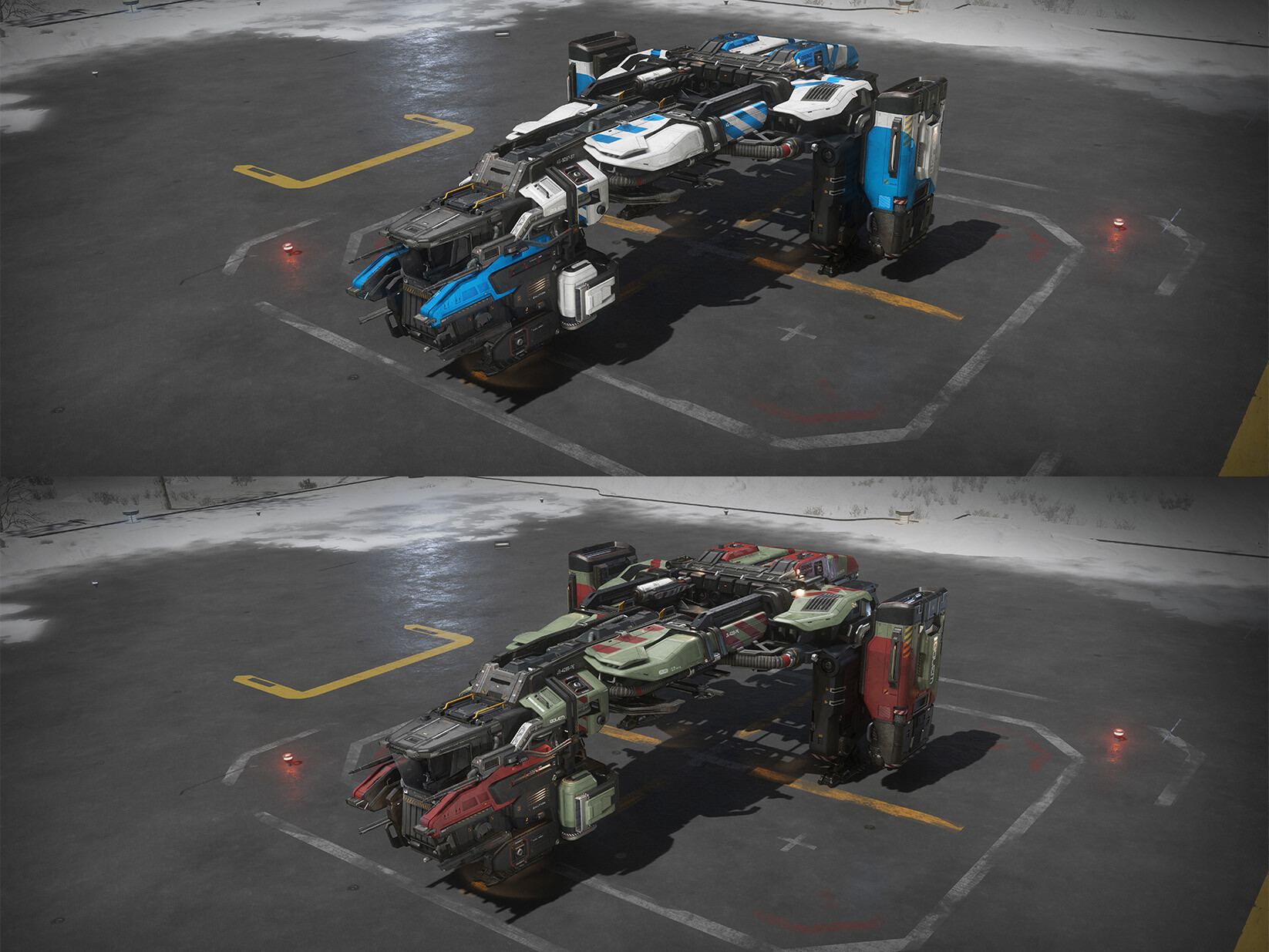
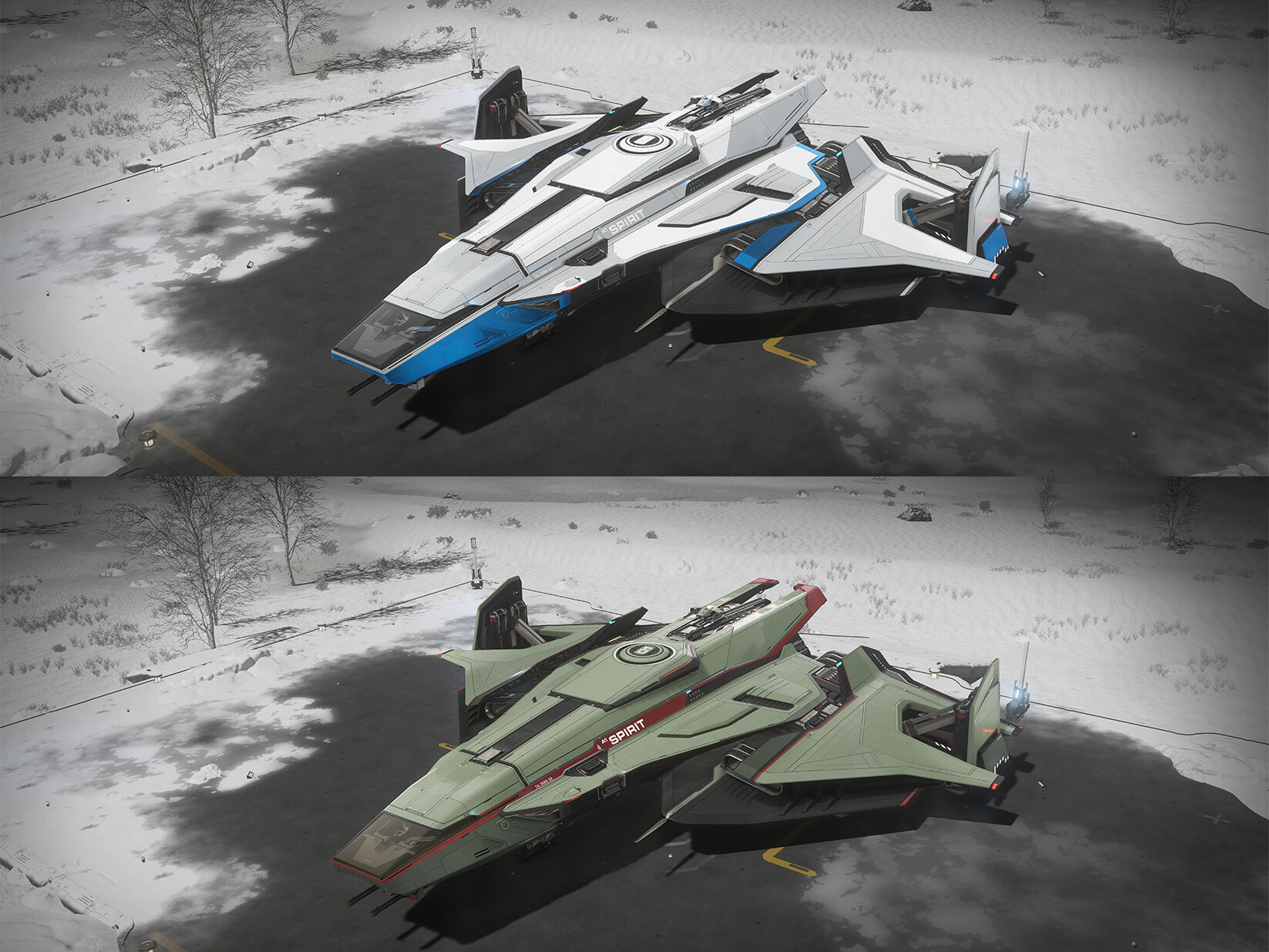
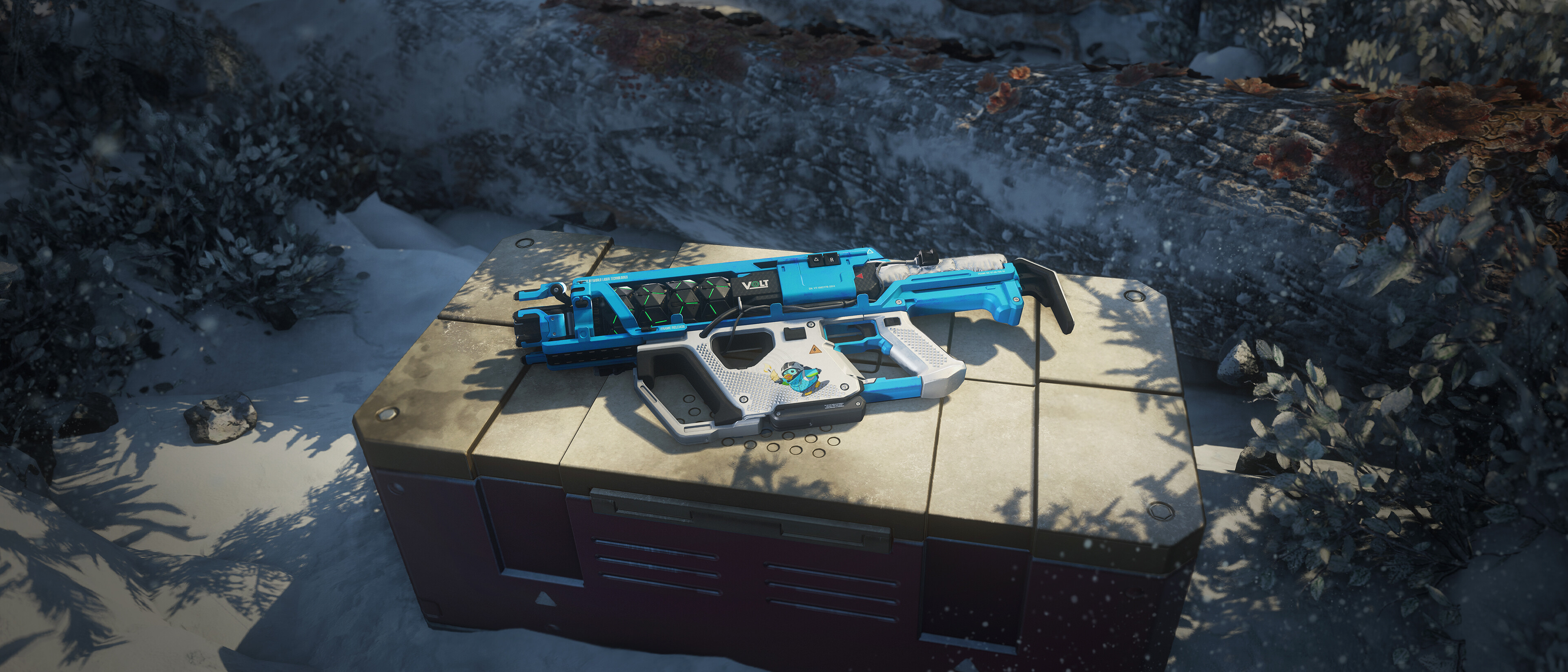
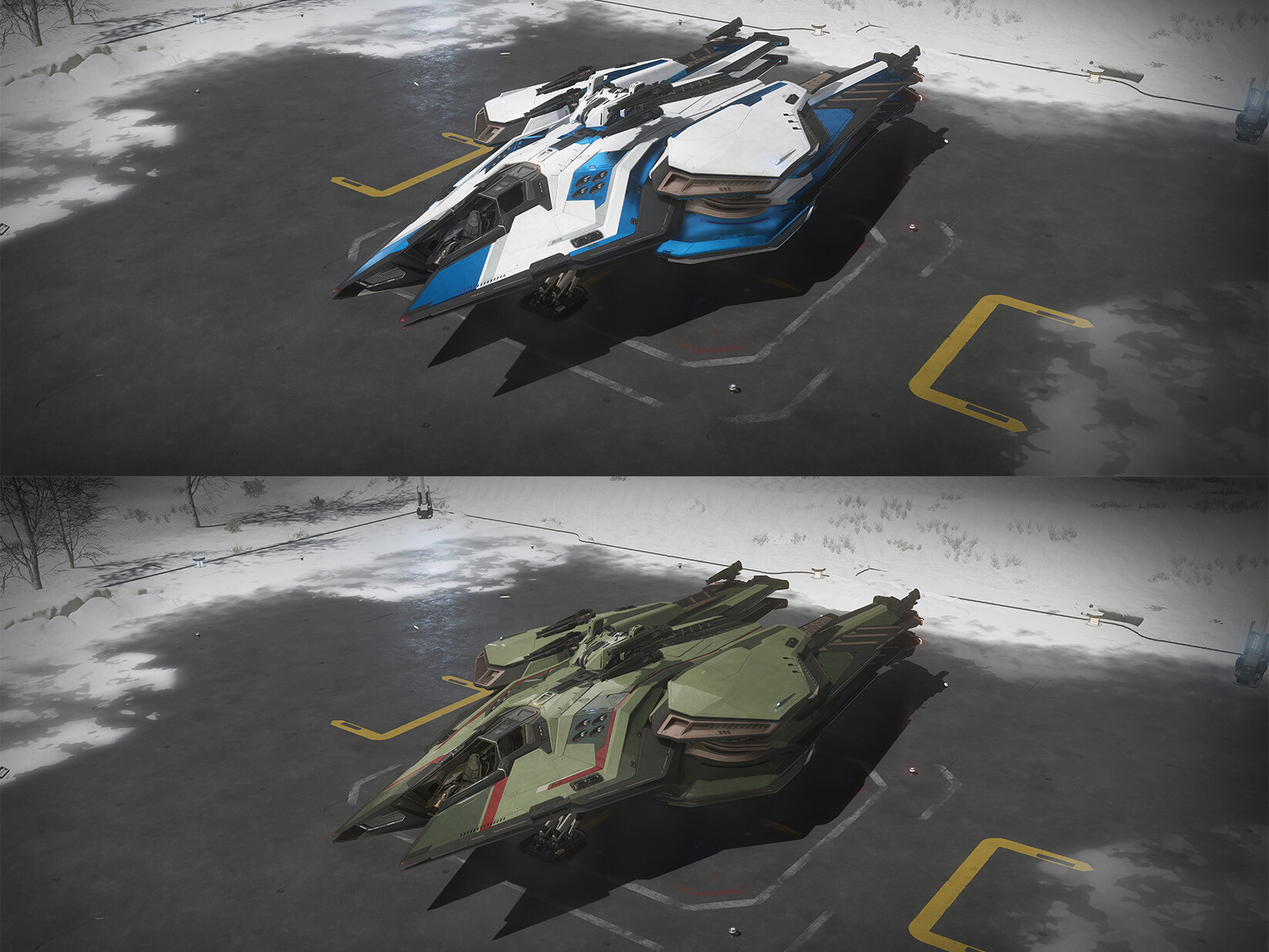
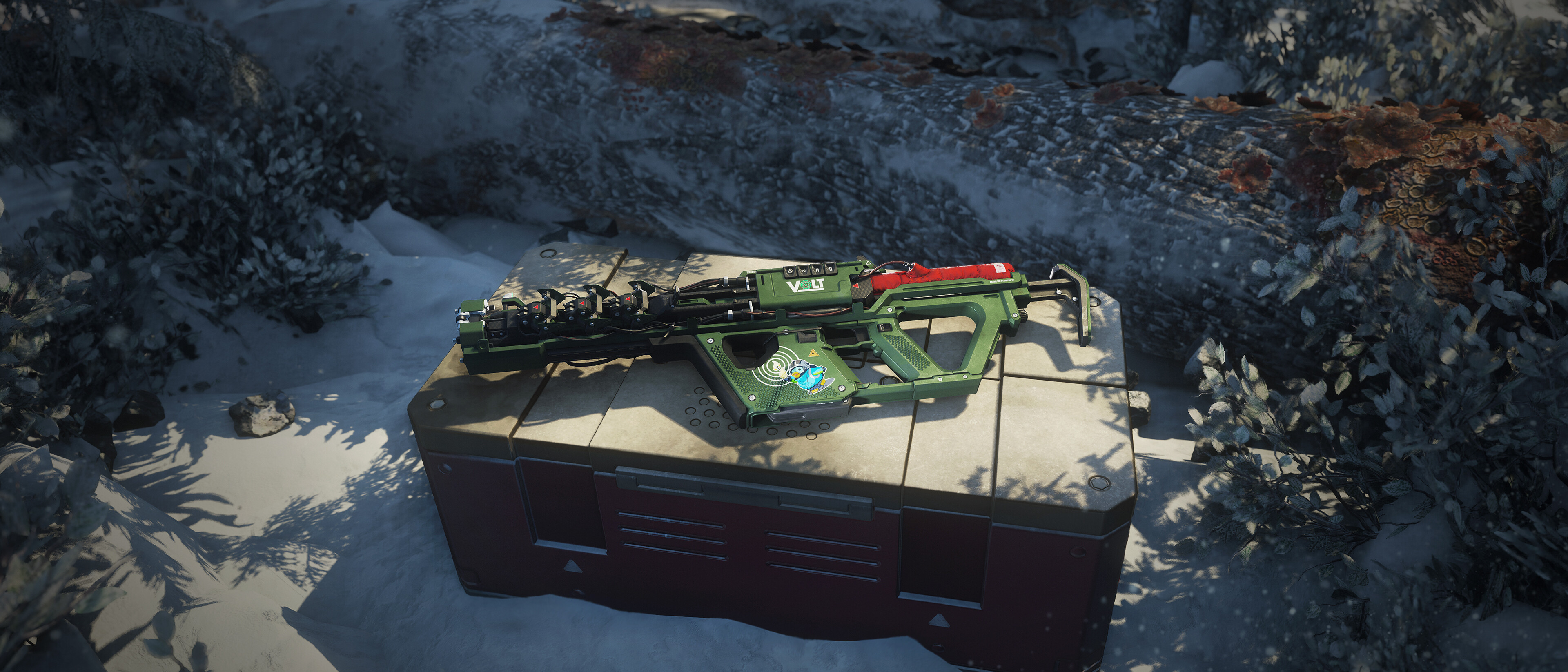
Spirit Deck the Hull and IceBreaker Paints
Absolutely there is.
A Caterpillar full of Pressurized Ice(32) has the ability to make around 20% more per trip than a Starlancer Max full of bioplastic(16). This, in turn, is about 20% more than a Cutlass black full of Fresh Food(8), and so on.
No matter how efficiently you trade, there’s a cap on how much you can make trading 8s in the appropriate size ship. If you jump from 8 to 16, you will make more profit running 16s in ships appropriate to that size.
We “restrict” brackets by making it more dangerous and slower to trade at a smaller bracket the bigger your ship is. Those restrictions can be mitigated by simply having a bigger crew. If you have enough people to load a Starlancer Max with bracket 2 goods efficiently, go for it! Of course, you might need to get a variety of bracket 2 goods depending on how much the location supplies. Your ship will also end up have a lot of value concentrated in one point…
Yes. The exploits from the last 2 patches have been rough for the game and the economy. As a result, a full wipe is likely at some point down the line.
Let’s speak about the abundance of earnings you are getting currently. If you feel like you are gaining more aUEC than you can spend, that’s intentional. When we look to add the badly needed sinks and cost decisions later next year, those new costs will be balanced against the current aUEC earning. That said, we want feedback and analytics on those numbers as they are now, so that we can correctly implement those sinks.
For now, you might find that your aUEC earnings are much higher than your expenses necessitate, but rest assured that the values will start making sense down the line.