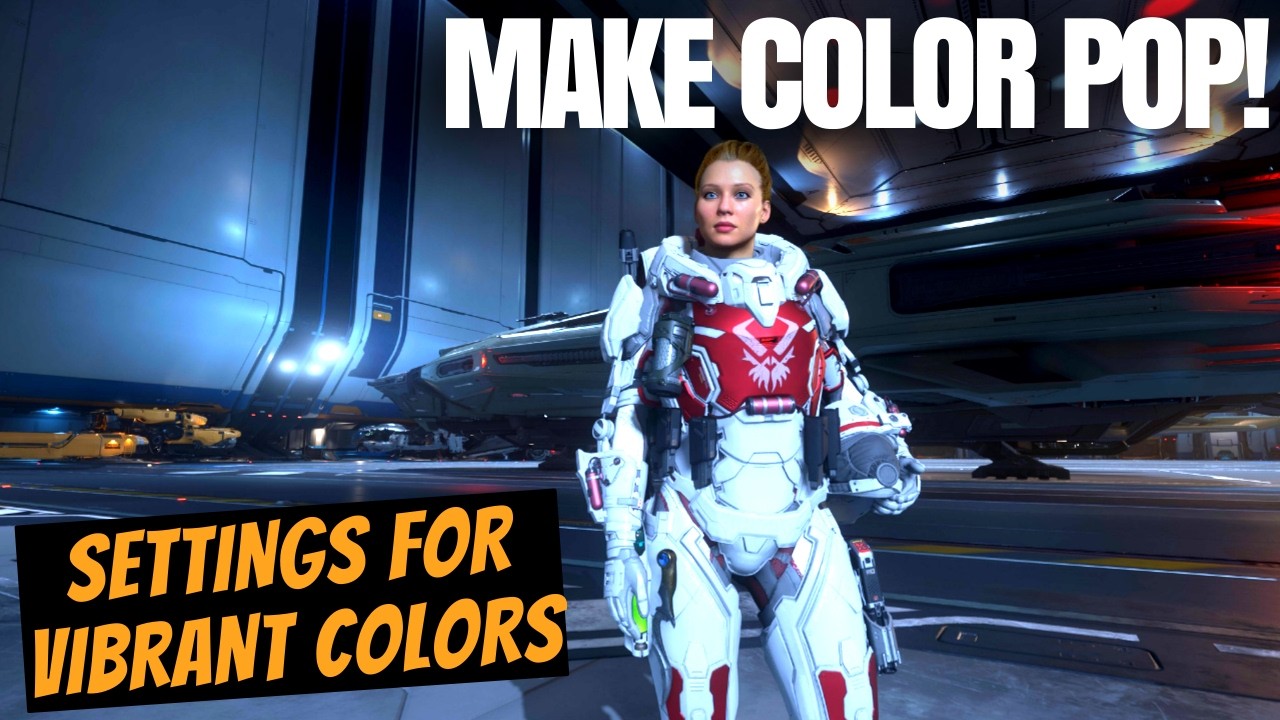
The video demonstrates how to enhance Star Citizen’s visuals by adjusting in-game gamma, brightness, and contrast settings, along with using Nvidia’s Dynamic Vibrance filter for richer colors without relying on Reshade or HDR. This method results in more realistic and vibrant graphics, offering a simple way to improve the game’s appearance on standard SDR monitors.
In this video, the creator shares a quick and effective way to enhance the colors in Star Citizen without relying on HDR or external tools like Reshade. The focus is on achieving crisp, vibrant colors while using a standard SDR monitor. The presenter highlights how the red parts of the suit and the ship’s textures look realistic and well-balanced, avoiding overly bright whites or washed-out colors, which contributes to a more immersive visual experience.
The first step involves adjusting the in-game graphics settings, specifically the gamma, brightness, and contrast sliders. The recommended settings are a gamma of 46, slightly increased brightness, and a contrast of 58. These adjustments darken the game slightly while making the colors pop more vividly, resulting in a better image quality than previous versions with Reshade. The recent Vulcan update has also improved the game’s visuals by removing excessive fog and enhancing realism.
For users with Nvidia graphics cards, an additional layer of enhancement is possible using Nvidia’s game filters accessed by pressing Left Alt + Z. The presenter suggests adding a Dynamic Vibrance filter, which boosts saturation without making the image overly bright, unlike the HDR filter option. The recommended settings for Dynamic Vibrance are a saturation boost around 25 and minimal brightness increase, around 5, to keep the image darker but colorful.
The presenter advises viewers to fine-tune these settings based on their monitors and personal preferences, as different environments in the game may require slight adjustments. Testing the settings in various lighting conditions, including interiors and darker areas, helps achieve the best balance. The video demonstrates this by showing how the armor and ship colors maintain their vibrancy and realism both inside and outside, even during nighttime scenes.
In conclusion, the video provides a straightforward method to improve Star Citizen’s visual quality quickly without additional software. The creator encourages viewers to experiment with the settings to find what works best for them and invites feedback and other tips in the comments. This approach offers a simple yet effective way to enjoy the game with enhanced colors and better overall visual fidelity.