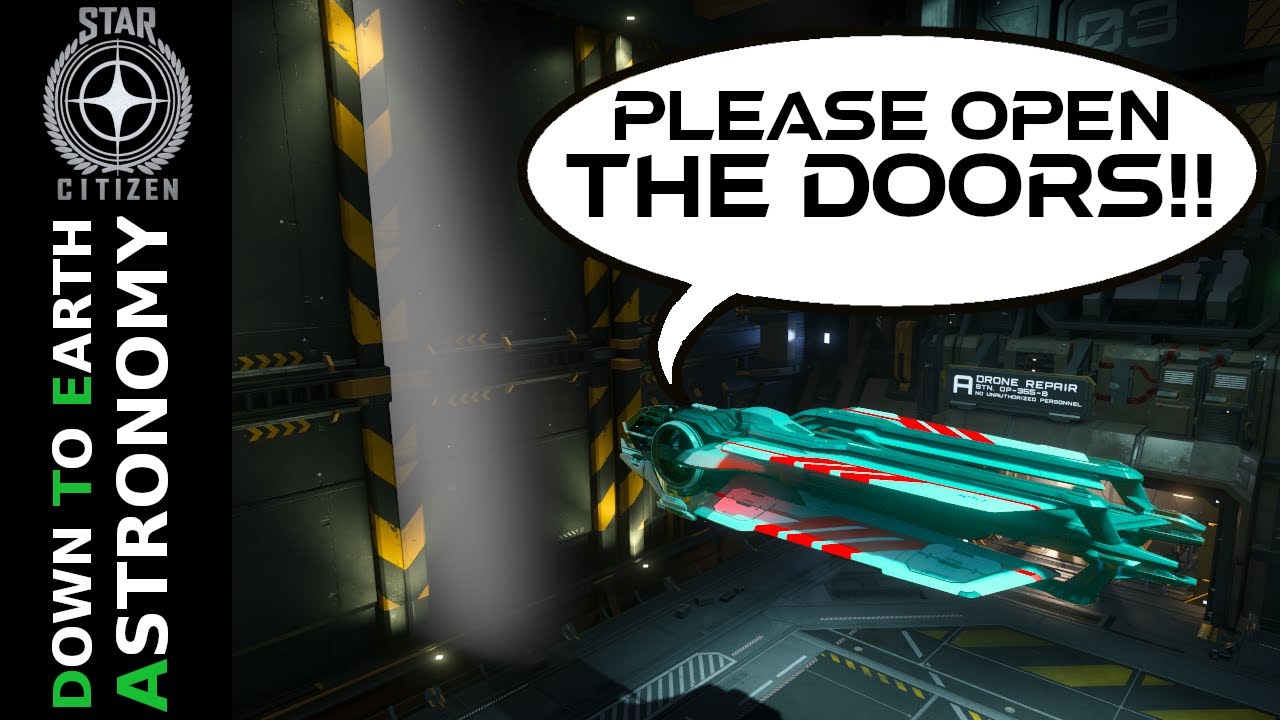
This Star Citizen beginner’s guide explains how to open hangar doors, whether you’re inside or outside. It includes instructions on powering on your ship, contacting air traffic control, and requesting docking to enter or exit hangars.
This Star Citizen beginner’s guide explains how to open hangar doors, whether you’re inside or outside. It includes instructions on powering on your ship, contacting air traffic control, and requesting docking to enter or exit hangars.
In this beginner’s guide for Star Citizen, the video explains how to open hangar doors, whether you’re stuck inside a hangar or outside and need to get in. To leave a hangar when inside your ship, make sure it is powered on and ready by pressing the “r” key on your keyboard. Then, contact the air traffic control (ATC) to open the hangar doors. This can be done by either opening the social menu (pressing “f11”) and selecting the ATC from the friends list, or by pressing the combination of left alt and “end” keys simultaneously. It may be necessary to send multiple messages to ensure a response from the ATC. The location of the hangar doors may vary depending on the hangar.
If you are outside a hangar and want to get inside, fly towards the spaceport or space station and look for the red text that says “contact ATC to Land” at the top center of the screen. Request docking by pressing left alt and “end”, or by opening the friends menu (“f11”) and sending a request from there. Again, multiple attempts may be required to ensure success. Once the landing request is sent, an icon with a circle and arrow will appear, indicating the landing location. The approach to landing will depend on the station and the size of your ship.
The video provides a link to another video that explains how to find individual landing or spaceports on the surface, in case finding the location is an issue. Overall, this guide aims to help players navigate the process of opening hangar doors and entering or exiting hangars successfully. The host encourages viewers to subscribe for more Star Citizen tutorials in the future.