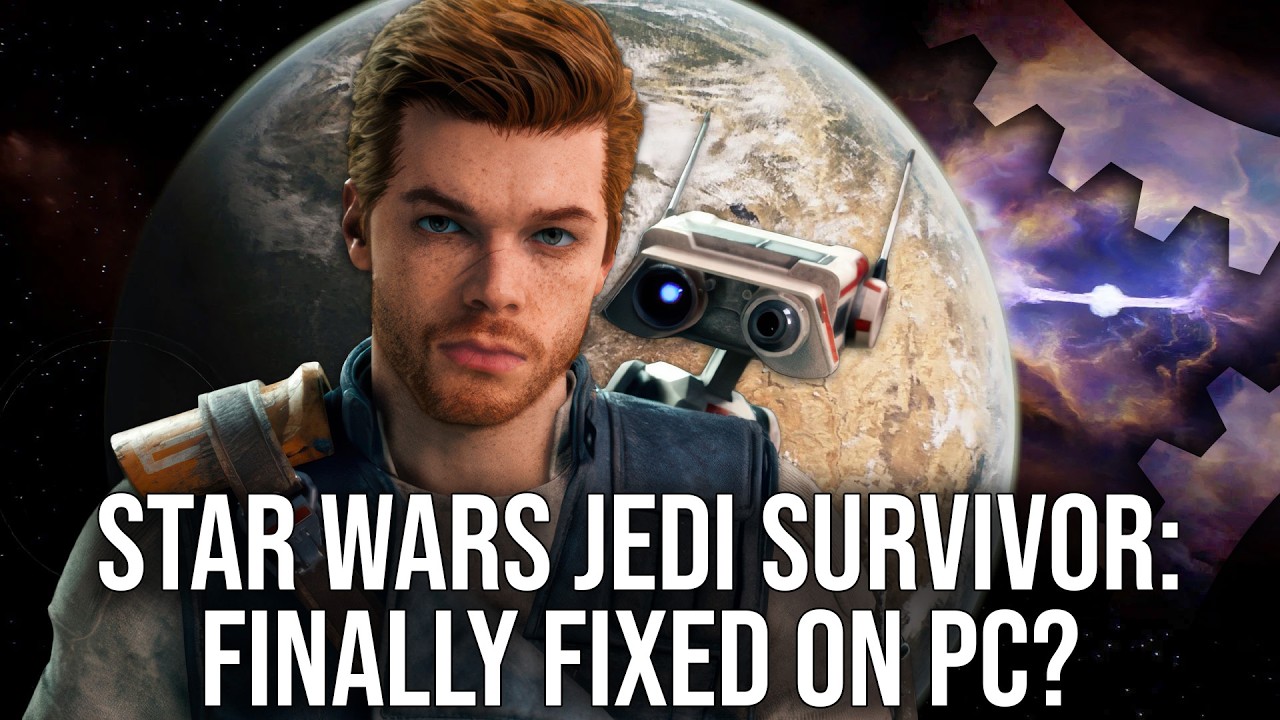
The video reveals a hidden console command in Star Wars Jedi Survivor that enables interpolated rendering, significantly smoothing camera and animation stuttering on mid-range CPUs by effectively doubling rendered frames per game thread frame, though it increases input latency and may worsen performance on lower-end GPUs. While not a complete fix for all performance issues, this discovery offers a notable improvement in gameplay smoothness and highlights the challenges of optimizing PC games across varied hardware.
The video discusses the persistent performance issues in the PC version of Star Wars Jedi Survivor, particularly focusing on stuttering in camera movement and character animation. Despite achieving a seemingly stable frame rate, players often experience irregular frame times that cause noticeable stutters, especially on lower-end CPUs. This problem has been a long-standing frustration for the game’s community and Digital Foundry’s Alex Battalia, who has been investigating potential solutions to improve the game’s smoothness.
Alex reveals that during his research into Unreal Engine 4 games, he discovered a hidden console command in Jedi Survivor called “respawn.rendering” that is disabled by default on PC but may be used on consoles in their 60 FPS mode. This command enables “interpolated rendering,” which effectively doubles the rendered frames per game thread frame, smoothing out camera and animation motions by interpolating positions between frames. Activating this setting reduces the workload on the game thread and results in a noticeable 13-20% performance boost on CPUs like the Ryzen 5 3600 and Ryzen 7 9800 X3D.
The interpolation technique significantly improves the smoothness of camera movement and animations by evening out the distance the camera travels between frames, reducing the jarring stutter effect. However, the fix is not perfect and does not eliminate all stuttering, especially when the game thread itself experiences large frame time spikes. Furthermore, the improvement is more pronounced on mid-range CPUs, while high-end CPUs see less benefit. The video also highlights that this method is more noticeable on low-persistence displays where frame-to-frame differences stand out more clearly.
Despite the benefits, enabling interpolated rendering comes with trade-offs, notably an increase in input latency. Tests show latency increases of around 7 to 18 milliseconds depending on CPU and settings, and this can rise further with features like V-Sync or frame rate caps enabled. Additionally, users with GPUs that have limited VRAM or bandwidth, such as the RTX 4060 with 8GB VRAM, may experience worse stuttering with the setting enabled, making it less suitable for lower-end graphics cards.
Ultimately, while this discovered fix does not resolve all of Jedi Survivor’s PC performance problems—such as shader compilation stutters, crashes with ray tracing, or UI issues—it offers a meaningful improvement in animation smoothness for many players. Alex encourages users to try enabling the setting via the Unreal Engine Unlocker tool and share their experiences, hoping that such options could be made more accessible in future PC releases. The video underscores the complexities of optimizing PC games across diverse hardware and applauds the discovery as a valuable step toward a better Jedi Survivor experience on PC.