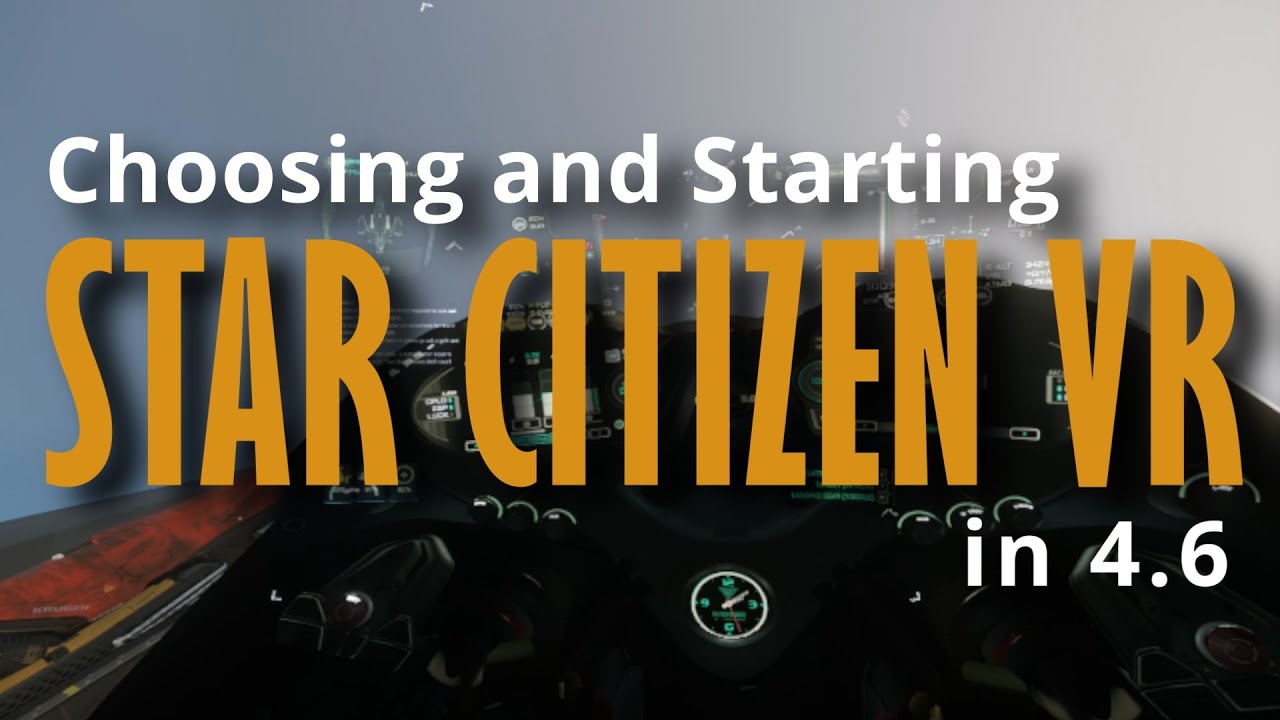
In this video, Daniel Raymond from Ray’s Guide introduces his new series focused on setting up and playing Star Citizen in VR, made possible by a loaned Pimax VR headset from Pimax. He explains that while many content creators received the high-end Pimax Crystal Super, he was provided the more affordable Pimax Crystal Light due to his graphics card not meeting the recommended specs for flight simulators. Despite being the “affordable” model, the Crystal Light still boasts impressive specs, including two 4K displays, and is priced higher than some mainstream VR headsets like the MetaQuest 3 and 3S.
Daniel details the differences between the Crystal Light and the Crystal Super, highlighting that the Super has a higher resolution (5K displays) and advanced eye-tracking sensors that enable features like field-of-view rendering and automatic interpupillary distance (IPD) adjustment. The Crystal Light requires manual IPD adjustment via a dial on the headset, which users can determine by getting their IPD measured at an eyeglasses provider. Additionally, the Crystal Light’s pass-through mode uses black-and-white cameras, resulting in a grainy and monochrome view of the real world, unlike the Super’s color pass-through suited for mixed reality applications.
He contrasts Pimax’s wired headset design with other wireless VR headsets, emphasizing the advantages and challenges of a wired setup. The single 5-meter cable handles display, USB, and power connections, providing low latency and high performance ideal for sit-down VR experiences like flight and racing simulators. However, the cable length and tethering can limit freedom of movement, making active room-scale VR more complicated. Daniel notes that the wired design helps maintain performance and reduces latency compared to wireless headsets, which require encoding and streaming that can introduce delays.
Moving into setup, Daniel walks through installing the Pimax Play software, which guides users through hardware setup, room calibration, and device settings. He recommends using the SteamVR OpenXR library for compatibility and highlights the importance of configuring Star Citizen’s VR and theater modes with easily accessible key bindings. Theater mode allows users to switch to a flat screen view inside the headset, which is crucial for interacting with menus and inventory. He also stresses the need for careful keybinding management and suggests using voice commands with Voice Attack to handle Star Citizen’s complex controls more comfortably in VR.
Finally, Daniel discusses the immersive experience of Star Citizen in VR, noting that while it cuts off access to secondary screens and peripherals, it fully envelops the player in the game world. He compares the broader range of head movement in VR to traditional eye-tracking systems and explains how various UI elements are positioned differently in 3D space to enhance comfort and usability. He concludes by mentioning upcoming videos exploring different gameplay loops in VR, linking to purchase options for the Pimax headsets, and promoting channel giveaways and events.