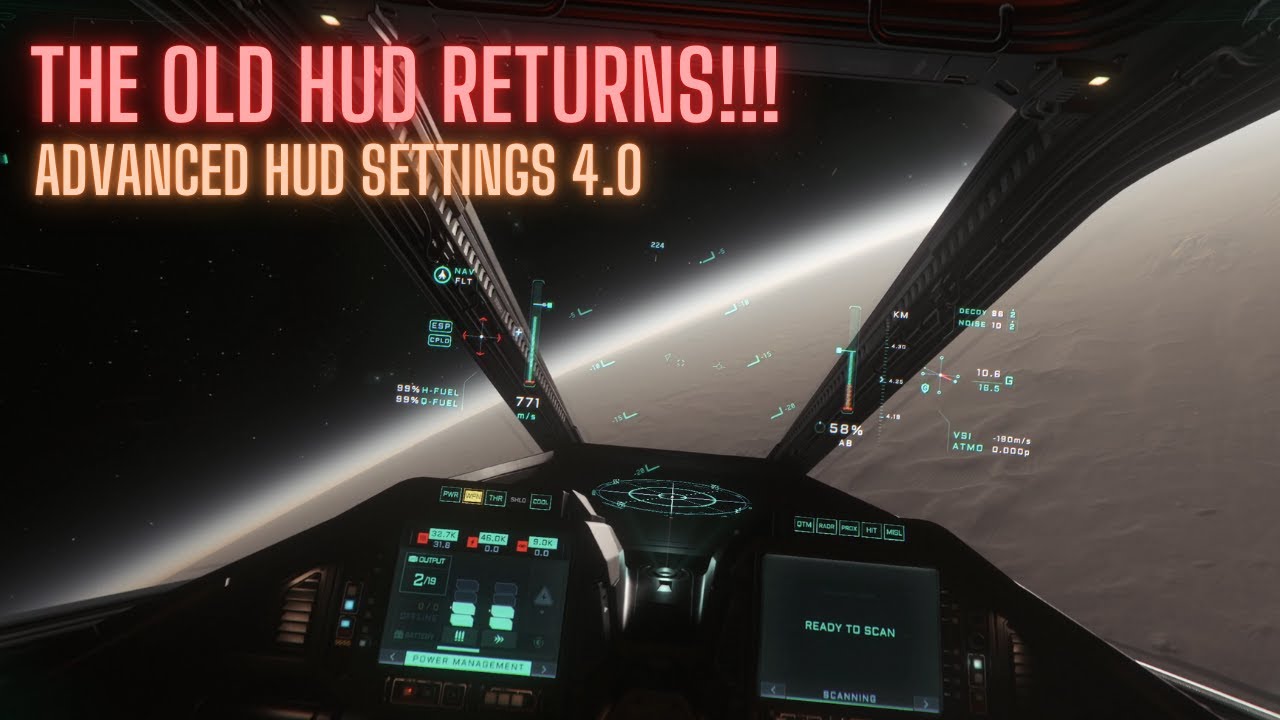
In the video, the creator explains how to enable the advanced HUD in the newly released patch 4.0, which they find more functional compared to the new aesthetic-focused HUD. They provide step-by-step instructions for customization and emphasize the importance of community support while wishing viewers a happy holiday season and inviting them to join their Discord for further discussions.
In the video, the creator discusses the recent release of patch 4.0, which introduces various new features, including the Pyro system. However, amidst these updates, the creator highlights a nostalgic addition: the option to enable an improved version of the old HUD (Heads-Up Display). The creator expresses their struggle to adapt to the new HUD style, feeling that it prioritizes aesthetics over functionality, which is crucial for gameplay. This video aims to guide viewers on how to switch back to the advanced HUD for a more familiar and informative experience.
To enable the advanced HUD, the creator instructs viewers to enter their ship’s cockpit and hold the ‘F’ key to access one of the Multi-Function Displays (MFDs). Once there, they should click the arrow until reaching the configuration tab. From this tab, users can select the HUD option at the top and toggle three specific sliders for advanced HUD, SC (Space Combat) navigation, and labels to activate the features. The creator emphasizes that players can customize their settings according to their preferences, choosing to enable the advanced HUD for only certain functions if desired.
The creator personally prefers to enable all the advanced HUD features, as they provide comprehensive information exactly where it is needed. This setup also offers consistency across different ships, making it easier for players to navigate and manage their gameplay. The creator plans to recommend this HUD adjustment as one of the first steps for new players when updating their starter guide after the holiday season.
Additionally, the creator praises the smooth transition between space combat and navigation modes within the HUD, crediting the developers for their thoughtful design. They express gratitude to a fellow community member, Aate Light Code, for sharing this feature, highlighting the importance of community support in navigating the game’s updates.
As the video concludes, the creator shares their plans to take a break for the holidays, wishing viewers a happy holiday season. They invite viewers to join their Discord community for further discussions and tips regarding patch 4.0. The creator encourages subscriptions for more content and guides related to the game, indicating their commitment to providing valuable insights in the upcoming year.