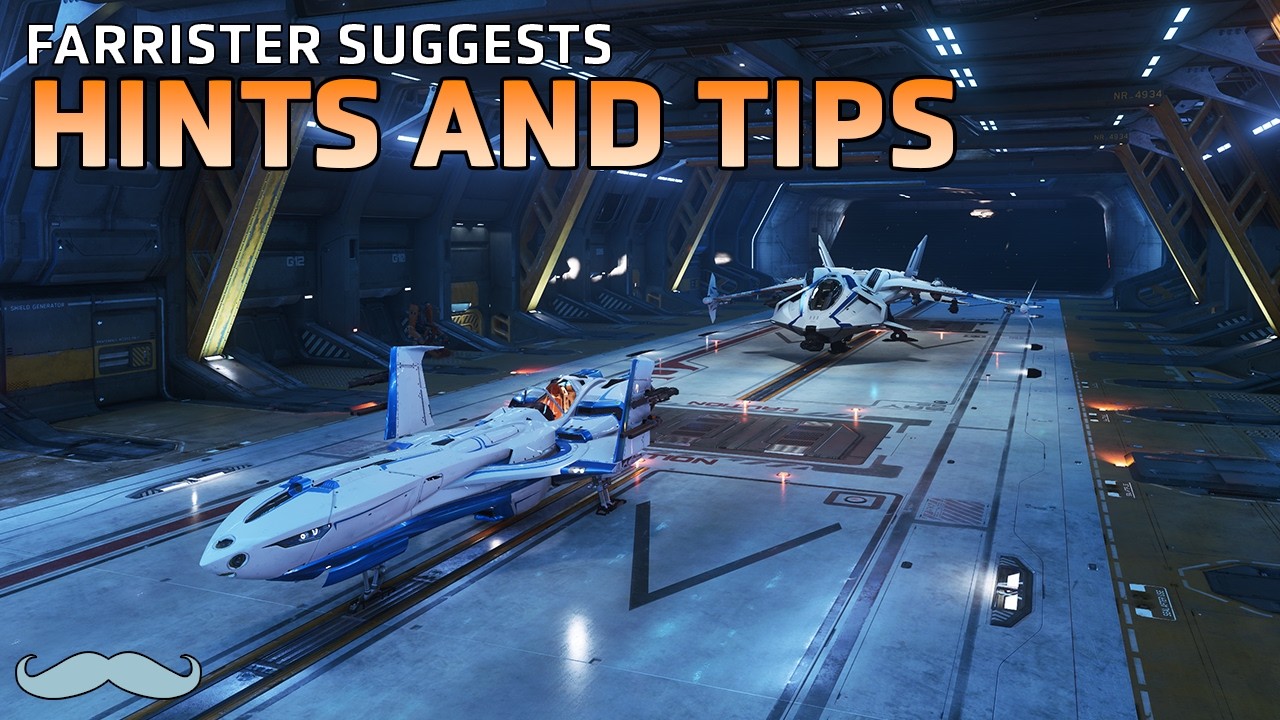
The video, presented by Farer, offers a collection of practical tips and keybinds for pilots in Star Citizen, despite the game still being in its alpha phase. Farer emphasizes that these suggestions are personal favorites that help streamline gameplay and improve convenience. He encourages viewers to skip to relevant sections via timestamps if they are already familiar with certain tips and invites them to share their own shortcuts in the comments. The overall goal is to make life easier for players navigating the complex controls and systems within the game.
One of the first tips shared is setting a keybind to request landing through air traffic control. This simple keybind, configured in the flight movement tab, allows players to quickly request landing or departure with a single tap, bypassing the need to navigate through the communications menu. This small shortcut can save a lot of time and hassle, especially when frequently taking off or landing from hangars. Another handy keybind is the comma key, which lets players look behind their ship. This is particularly useful for first-person pilots who want to ensure their ship is properly aligned with a freight elevator or clear of hangar doors.
For miners, salvagers, and other players who rely on scanning, there is a useful setting that enables scan pings without entering dedicated scanning mode. By adjusting a menu option called “lock ping to scanning mode,” players can ping for signatures while in SCM or NAV modes, making it easier to locate points of interest or obstacles, especially in dark environments. This feature helps players find targets faster and then switch to full scanning mode for detailed analysis, enhancing efficiency during exploration or resource gathering.
Farer also highlights several options available through the Multi-Function Display (MFD) screens. One key feature is the ability to toggle auto slowdown, which by default reduces the ship’s speed drastically when landing gear is deployed. Disabling this allows players to maintain normal speeds even with the gear down, which can be advantageous in certain flying situations. Additionally, the MFD menus offer toggles for advanced heads-up display (HUD) layers in SCM and NAV modes, providing extra flight data such as velocity, G-forces, fuel levels, atmospheric thickness, radar altimeter, and vertical speed. These details can greatly aid in precise flying and situational awareness.
Lastly, Farer notes that these HUD and auto slowdown preferences can be configured on a per-ship basis via the MFDs or set as defaults across all ships in the main menu. This customization allows players to tailor their flying experience to their liking consistently. He concludes by inviting viewers to share their feedback and their own tips in the comments, and encourages new viewers to subscribe for more helpful Star Citizen content. Overall, the video serves as a useful guide to some of the lesser-known but impactful quality-of-life improvements available in Star Citizen 4.3.