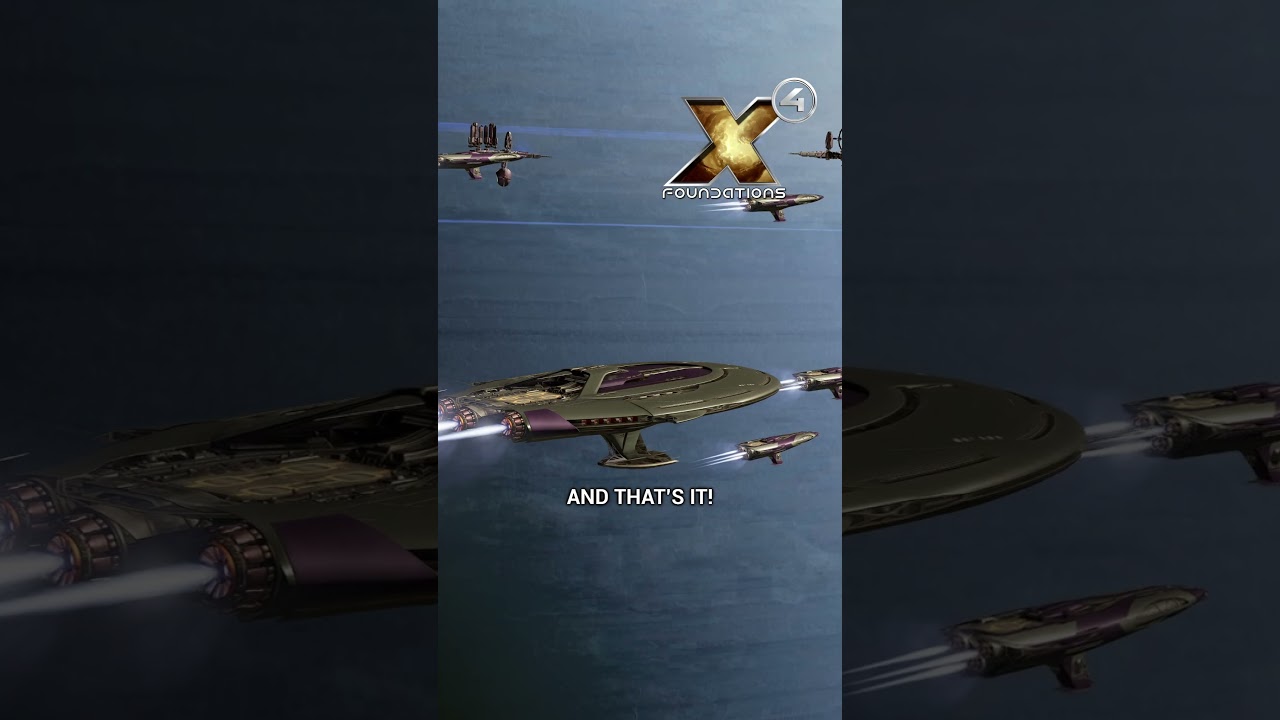
In X4 Foundations, players have the ability to customize crew notifications to better manage in-game communication. By default, ships notify the player when they have completed a manual order with an “awaiting orders” message. However, if these notifications become too distracting, players can easily disable them through the player information menu by navigating to the global orders section and unchecking the unwanted options. This helps reduce unnecessary chatter but comes with the risk of missing important updates about the player’s empire.
Beyond simply toggling notifications on or off, players can also set default responses for specific events. For instance, when a pirate attempts to plunder one of the player’s traders, the pilot usually asks for instructions. Instead of responding manually each time, players can pre-select a default action such as attack, escape, comply, drop cargo, or hold position. This automation streamlines gameplay by allowing ships to react quickly and consistently without player input. Notifications related to these events can also be entirely disabled if preferred.
The alert system in X4 Foundations provides another layer of control by allowing players to create custom alerts for significant threats or events. For example, players can set an alert to notify them when Zenon ships initiate an incursion in a specific sector. This is done via the global orders menu, where players can create a new alert, assign it a name, select an alert sound, and specify which ships, factions, and sectors trigger the alert. This feature helps players stay informed about critical developments without needing to constantly monitor the game.
It is important to note that for these alerts to function properly, players must have radar coverage in the relevant sectors. Without radar, the alert system cannot detect activity and thus will not notify the player. This adds a strategic element to managing empire surveillance and ensuring that the player is always aware of potential threats or important events within their territory.
Overall, the customization options within the global orders menu allow players to tailor their X4 Foundations experience to their liking. Whether they want to minimize distractions, automate responses, or stay on high alert for specific events, these tools provide flexibility and control. By adjusting these settings, players can create a gameplay environment that is either calm and focused or highly responsive and alert, enhancing enjoyment and efficiency in managing their space empire.