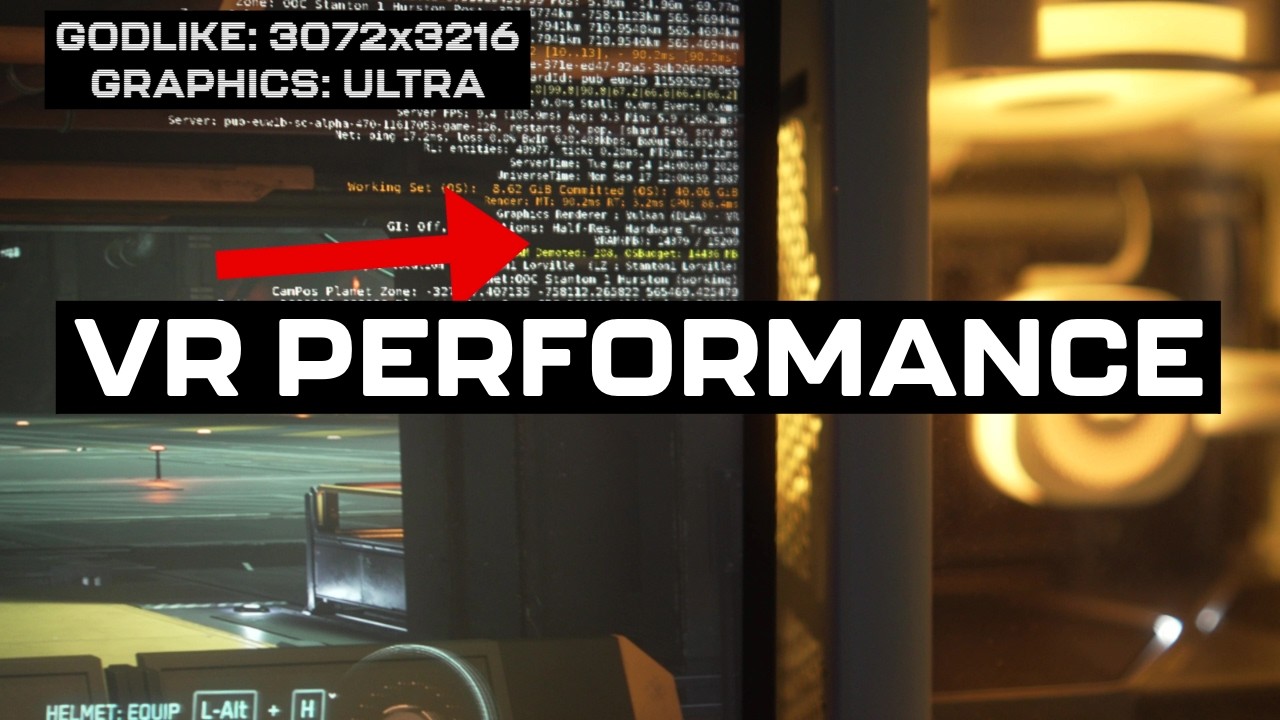
The video provides a beginner’s guide to optimizing VR performance in Star Citizen, focusing on the challenges and solutions for running the game smoothly on VR headsets like the Quest 3 and Pimax. A key point is that the in-game resolution setting does not affect the VR headset’s actual display resolution. Instead, resolution adjustments must be made through the VR software itself, such as Virtual Desktop, SteamVR, or the Pimax software. These platforms allow users to modify the resolution per eye, which directly impacts performance and visual quality. The guide emphasizes the importance of balancing resolution and graphics settings to avoid running out of VRAM, which severely hampers performance.
The presenter demonstrates that running Star Citizen at the highest VR resolutions, such as the “godlike” setting on the Quest 3, results in low frame rates and VRAM issues, making it unplayable without lowering settings. Dropping the graphics settings from ultra to very high or high reduces VRAM usage and improves frame rates, but at the cost of visual fidelity. Further reductions to low settings yield modest frame rate improvements but significantly degrade the game’s appearance. The video highlights that simply lowering graphics settings is not enough to achieve good VR performance; instead, upscaling techniques play a crucial role.
Upscaling, particularly using performance modes that reduce native resolution and then upscale the image, can significantly boost frame rates. The presenter shows how lowering resolution to around 66% and enabling upscaling can raise frame rates from the teens to around 60 FPS in the hangar. However, this comes with a trade-off in image quality. The lowest resolution settings, like “potato quality,” offer the smoothest experience but cause the visuals to become blocky and text to shimmer, making the game less immersive. Thus, finding the right balance between resolution, upscaling, and graphics settings is essential for a playable VR experience.
Another vital feature discussed is frame generation (or motion smoothing), available through Virtual Desktop, SteamVR, and Pimax software. Frame generation inserts synthetic frames to double the perceived frame rate, making gameplay feel smoother even when the actual frame rate is lower. While this improves the VR experience by reducing perceived choppiness, it introduces latency and occasional visual artifacts, such as wobbling or distortion. Despite these drawbacks, frame generation is recommended as a “crutch” for players without top-end hardware, enabling them to enjoy Star Citizen VR more comfortably.
Finally, the video compares different GPUs, noting that Nvidia cards (like the 3080 and 5080) generally perform better in VR for Star Citizen due to superior DLSS support, which enhances upscaling quality. AMD cards, even high-end models like the 9070 XT, struggle because their upscaling technology (FSR) is less effective in Star Citizen, leading to lower visual quality and unstable images when upscaling heavily. The presenter concludes with top tips: always enable upscaling to the maximum viable level, turn on frame generation, and balance headset resolution with in-game graphics settings to avoid VRAM issues. He invites viewers to share their own VR performance tips and join a dedicated Discord community for further support.